Verizon Call Forwarding (2026): Complete Setup Guide with Codes
Set up Verizon call forwarding with *72 and *73 codes. Step-by-step guide for iPhone, Android, and My Verizon app. Includes conditional forwarding *71 and troubleshooting.
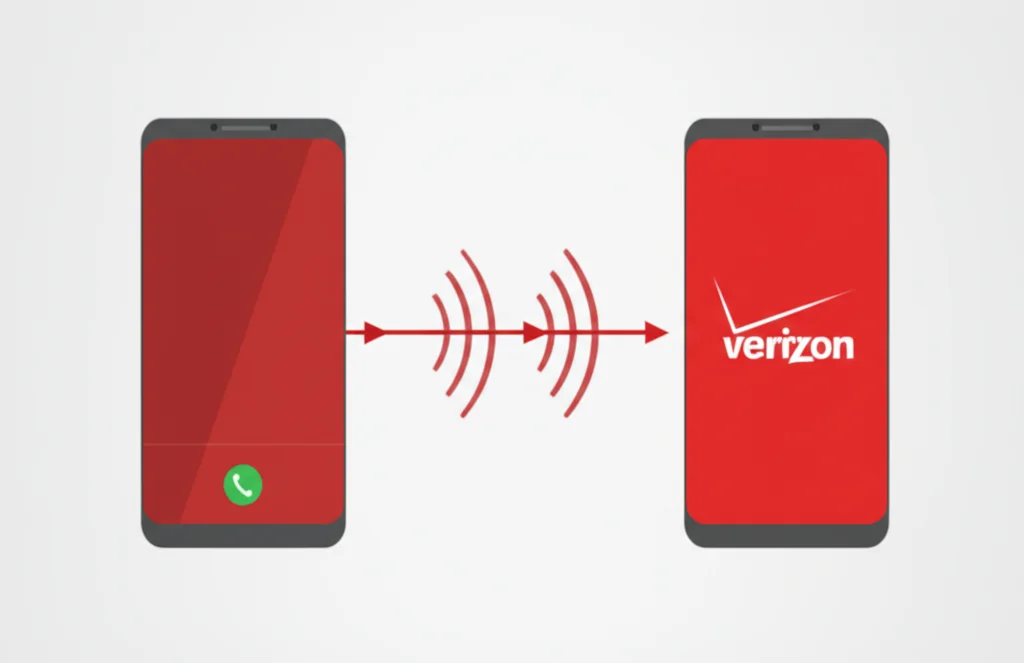
Need to set up call forwarding on Verizon? This complete guide covers all methods to forward calls on Verizon Wireless - including dial codes (*72, *73, *71), iPhone and Android settings, and the My Verizon app. Works for all Verizon plans in 2026. Refer to Verizon's official support page for account-specific details.
Verizon Call Forwarding Quick Codes
Turn ON: Dial *72 + phone number
Example: *72-555-123-4567
Turn OFF: Dial *73
Wait for confirmation tone
In This Guide
All Verizon Call Forwarding Codes
Verizon uses specific dial codes to manage call forwarding. These codes work on all Verizon Wireless phones (iPhone, Android, basic phones) and most Verizon landline services.
| Code | Function | How to Use |
|---|---|---|
| *72 | Turn ON immediate forwarding (all calls) | Dial *72 + 10-digit number, press Call |
| *73 | Turn OFF all call forwarding | Dial *73, press Call, wait for tone |
| *71 | Conditional forwarding (busy/no answer/unreachable) | Dial *71 + 10-digit number, press Call |
| *90 | Forward when busy only (landline) | Dial *90 + number, press Call |
| *91 | Cancel forward when busy | Dial *91, press Call |
| *92 | Forward when no answer (landline) | Dial *92 + number, press Call |
| *93 | Cancel forward when no answer | Dial *93, press Call |
Pro Tip: On Verizon Wireless, *71 is the most versatile conditional code - it covers busy, no answer, AND unreachable (phone off/no signal) scenarios all in one.
Call Forwarding on Verizon iPhone
Verizon iPhone users have two options for setting up call forwarding: using dial codes (recommended) or the My Verizon app. Note that the Settings app method is NOT available for Verizon iPhones.
Important: Verizon does NOT support the iPhone Settings → Phone → Call Forwarding toggle. This option is hidden or grayed out on Verizon iPhones. Use dial codes or My Verizon app instead.
Method 1: Using Dial Codes (Recommended)
- 1Open the Phone app
Tap the green Phone icon
- 2Go to the Keypad tab
Tap "Keypad" at the bottom of the screen
- 3Dial *72 + forwarding number
Example: *725551234567 (no dashes needed)
- 4Tap the Call button
Wait for confirmation tone or message
Live Voicemail Conflict (iOS 17+)
If you're using conditional forwarding (*71) and it's not working, the culprit is likely iPhone's Live Voicemail feature introduced in iOS 17.
Fix: Disable Live Voicemail
- 1. Go to Settings → Phone → Live Voicemail
- 2. Toggle Live Voicemail OFF
- 3. Try setting up conditional forwarding again with *71
Live Voicemail intercepts unanswered calls before call forwarding can activate. Disabling it allows conditional call forwarding to work properly.
Call Forwarding on Verizon Android
Verizon Android users can use either dial codes or the phone's built-in settings. Samsung Galaxy, Google Pixel, and other Android phones typically have the call forwarding option available in settings.
Method 1: Using Dial Codes
// Turn ON call forwarding:
*72 + forwarding number → Call
// Turn OFF call forwarding:
*73 → Call
Method 2: Through Android Settings
Samsung Galaxy (One UI):
- Phone app → ⋮ Menu → Settings → Supplementary services → Call forwarding
- Tap "Voice calls" and select forwarding type
- Enter forwarding number and tap "Enable"
Google Pixel:
- Phone app → ⋮ Menu → Settings → Calling accounts → [Verizon SIM]
- Tap "Call forwarding"
- Select forwarding type and enter number
Using the My Verizon App
The My Verizon app provides a user-friendly interface to manage call forwarding without memorizing codes. Available for both iPhone and Android.
- 1Download the My Verizon app
Available on App Store and Google Play
- 2Sign in to your Verizon account
Use your My Verizon credentials
- 3Navigate to Devices → Select your phone
Choose the line you want to forward
- 4Tap Manage → Call Forwarding
Toggle on and enter the forwarding number
Conditional vs Immediate Forwarding
Understanding the difference between these two types is crucial for setting up call forwarding correctly:
Immediate Forwarding (*72)
- ✓ ALL calls forwarded instantly
- ✓ Your phone does NOT ring
- ✓ Best for: vacation, out of office
- ✗ You'll miss all calls on your phone
Deactivate: *73
Conditional Forwarding (*71)
- ✓ Your phone rings first
- ✓ Forwards if busy, no answer, or unreachable
- ✓ Best for: backup number, business hours
- ✓ You can still answer calls directly
Deactivate: *73
How to Turn Off Verizon Call Forwarding
To disable call forwarding on Verizon, simply dial *73 and tap Call. This deactivates both immediate (*72) and conditional (*71) forwarding.
Deactivate all Verizon call forwarding:
*73
Wait for confirmation tone (may sound like busy signal)
Deactivation Codes by Type
| To Cancel | Dial Code |
|---|---|
| All call forwarding | *73 |
| Forward when busy (landline) | *91 |
| Forward when no answer (landline) | *93 |
Troubleshooting Verizon Call Forwarding
Problem: "Call cannot be completed as dialed"
This error appears when the forwarding number is invalid or formatted incorrectly.
Solutions:
- Use 10-digit number format (area code + number)
- Don't include dashes, spaces, or country code
- Verify the forwarding number is active and can receive calls
- Try calling the forwarding number directly to confirm it works
Problem: Conditional forwarding (*71) not working on iPhone
Live Voicemail (iOS 17+) intercepts calls before forwarding can activate.
Solution:
- Go to Settings → Phone → Live Voicemail
- Toggle Live Voicemail OFF
- Set up conditional forwarding again with *71
Problem: No confirmation tone after dialing *72 or *73
Network issues or incorrect dialing can prevent confirmation.
Solutions:
- Make sure you have cellular signal (not just WiFi)
- Try toggling Airplane mode on/off
- Dial *73 first to reset, then try *72 again
- Call Verizon customer service: 800-922-0204
Problem: Call forwarding not available on prepaid plan
Some Verizon Prepaid plans have restrictions on call forwarding.
Solutions:
- Contact Verizon Prepaid support: 888-294-6804
- Check if your specific plan includes call forwarding
- Consider upgrading to a plan with this feature
Cost & Limitations
✓ What's Included
- No monthly fee for call forwarding on most plans
- Forward to any US phone number
- Works on Verizon Wireless and Fios
- Use dial codes or My Verizon app
✗ Limitations
- Cannot forward to international numbers
- Text messages are NOT forwarded
- Must have signal to activate (not while roaming)
- Some prepaid plans may not support forwarding
Need a Better Solution Than Forwarding?
Get a virtual phone number that works on any device. No forwarding needed - manage all your calls from one app with complete control.
Try BubblyPhone Free →Frequently Asked Questions
What is the code to forward calls on Verizon?
To forward all calls immediately, dial *72 followed by the 10-digit phone number you want to forward to (e.g., *725551234567), then press Call. For conditional forwarding (only when busy/no answer), use *71 instead.
How do I turn off call forwarding on Verizon?
Dial *73 and press Call. Wait for a confirmation tone (may sound like a busy signal). This deactivates all types of call forwarding on your Verizon line.
Does Verizon charge for call forwarding?
Most Verizon postpaid plans include call forwarding at no extra charge. However, you may use your plan's minutes for forwarded calls. Check your specific plan details or contact Verizon support to confirm. Some prepaid plans may have restrictions.
Can I forward my Verizon calls to an international number?
No, Verizon does not allow call forwarding to international numbers. You can only forward to US phone numbers (including US territories). For international forwarding, consider using a VoIP service like BubblyPhone instead.
Why doesn't my Verizon iPhone show Call Forwarding in Settings?
Verizon uses CDMA network technology, which doesn't support the iOS built-in Call Forwarding toggle. Instead, use dial codes (*72 to activate, *73 to deactivate) or the My Verizon app to manage call forwarding on your Verizon iPhone.
Will my text messages be forwarded too?
No, Verizon call forwarding only forwards voice calls. Text messages (SMS/MMS) and iMessages will still come to your original phone. To forward texts, you'd need a third-party app or service that supports message forwarding.
Related Resources
Call Forwarding Codes (All Carriers)
Complete guide for AT&T, T-Mobile, and more
Call Forwarding on iPhone
iPhone-specific setup guide
Call Forwarding on Android
Samsung, Pixel, OnePlus setup guide
AT&T Call Forwarding
Complete AT&T guide with *21*, *72 codes
Verizon Call Forwarding Codes
Quick code reference: *72, *73, *71, *90-*93
How to Set Up Call Forwarding
Universal setup guide for all phones and carriers
What is Call Forwarding?
Complete guide explaining how it works
Verizon Port-Out PIN
Transfer your Verizon number to another carrier