Samsung Galaxy Call Forwarding: Complete Setup Guide (2026)
Learn how to set up call forwarding on any Samsung Galaxy phone - S25, S24, A series, Z Fold, Z Flip. Includes dial codes for Verizon, AT&T, T-Mobile, and troubleshooting tips.
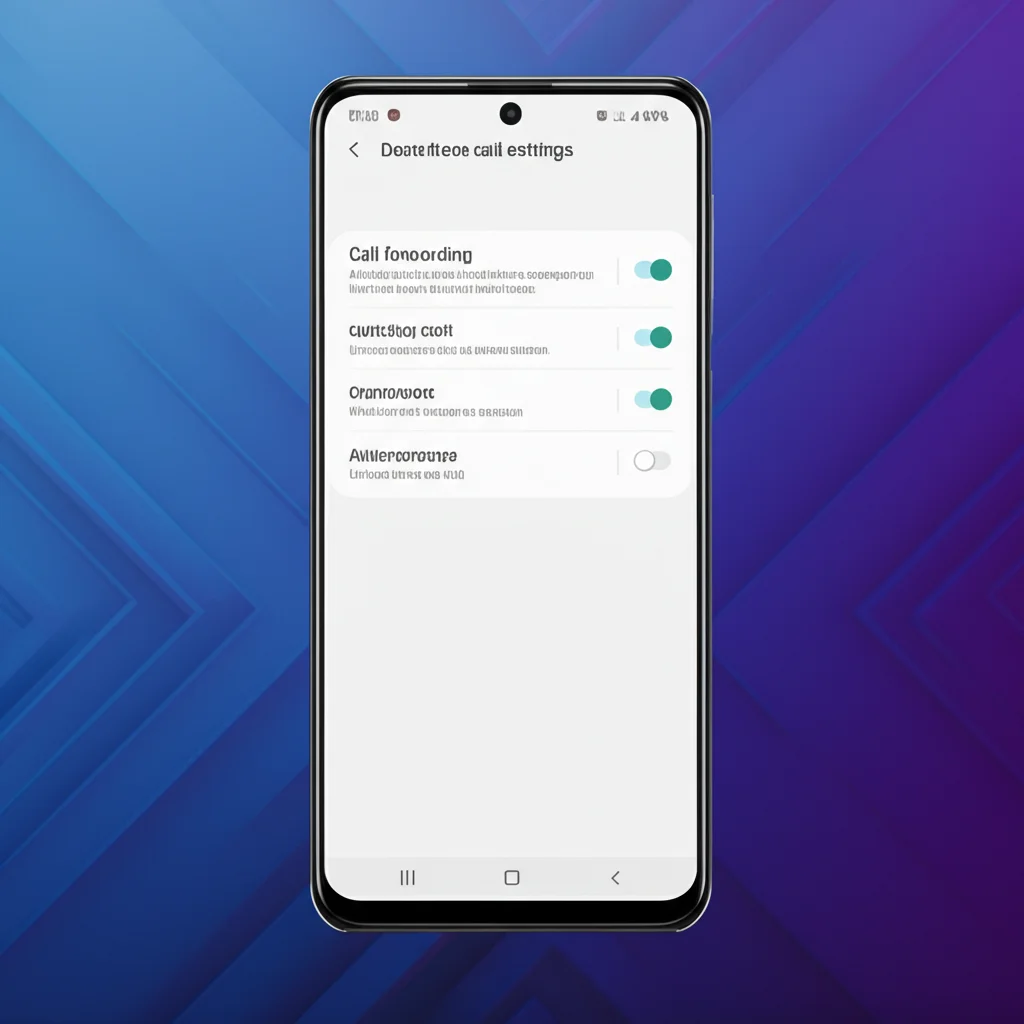
Need to set up call forwarding on your Samsung Galaxy? This complete guide shows you how to forward calls on any Samsung phone - Galaxy S25, S24, A series, Z Fold, Z Flip, and more. We cover the Settings method, dial codes for all US carriers, and troubleshooting tips for 2026. See also Samsung's official call forwarding guide.
Samsung Call Forwarding Quick Guide
Settings Method: Phone app → ⋮ Menu → Settings → Supplementary services → Call forwarding
Works on Galaxy S25, S24, S23, A54, A53, Z Fold, Z Flip with AT&T or T-Mobile
Table of Contents
Method 1: Samsung Settings (Recommended)
The easiest way to set up call forwarding on Samsung Galaxy phones is through the Phone app settings. This method works on One UI 6 and One UI 7.
Step-by-Step Instructions
- 1Open the Phone app
Tap the green Phone icon on your home screen or app drawer
- 2Tap the three-dot menu (⋮)
Located in the top-right corner of the Phone app
- 3Tap Settings
Opens the Phone app settings menu
- 4Tap Supplementary services
Scroll down to find this option
- 5Tap Call forwarding
If you have dual SIM, select the SIM you want to set up
- 6Select a forwarding type
Choose: Always forward, Forward when busy, Forward when unanswered, or Forward when unreachable
- 7Enter the forwarding number and tap Turn on
Enter a 10-digit US phone number. A call forwarding icon will appear in your notification bar.
Verizon Users Note
Verizon has removed the "Supplementary services" option from Samsung phones. If you're on Verizon, use the dial code method (*72) or the My Verizon app instead.
Method 2: Dial Codes by Carrier
You can also set up call forwarding by dialing codes from your Samsung's Phone app. The codes differ depending on your carrier (Verizon uses different codes than AT&T/T-Mobile).
Verizon Samsung Phones
| Action | Code | Example |
|---|---|---|
| Forward ALL calls | *72 + number | *725551234567 |
| Forward when no answer | *71 + number | *715551234567 |
| Turn OFF forwarding | *73 | Just dial *73 |
AT&T & T-Mobile Samsung Phones
| Action | Code | Example |
|---|---|---|
| Forward ALL calls | **21*number# | **21*5551234567# |
| Forward when busy | **67*number# | **67*5551234567# |
| Forward when no answer | **61*number# | **61*5551234567# |
| Forward when unreachable | **62*number# | **62*5551234567# |
| Turn OFF all forwarding | ##21# | Just dial ##21# |
| Turn OFF ALL types | ##002# | Cancels all forwarding |
How to Use Dial Codes
- Open the Phone app on your Samsung
- Tap the Keypad tab
- Enter the code (e.g.,
*725551234567for Verizon) - Tap the green Call button
- Wait for the confirmation tone or message
- Hang up - call forwarding is now active
Call Forwarding Types Explained
Samsung phones offer four different call forwarding options. Understanding each helps you choose the right one for your needs.
Always Forward
All calls go directly to the forwarding number. Your Samsung phone never rings.
Best for: Vacations, broken phone, temporary handoff
Forward When Busy
Forwards only when you're already on another call. Prevents callers from getting a busy signal.
Best for: Heavy phone users, business lines
Forward When Unanswered
Your phone rings first. If you don't answer within ~20 seconds, it forwards to the other number.
Best for: Backup coverage, meetings, after-hours
Forward When Unreachable
Forwards when your phone is off, in airplane mode, or has no cellular signal.
Best for: Travel, areas with poor coverage
Galaxy S25 & S24 Specific Steps
The Samsung Galaxy S25 series (S25, S25+, S25 Ultra) and Galaxy S24 series run One UI 7 and One UI 6 respectively. Here are the exact steps for these flagship models.
Galaxy S25 / S25+ / S25 Ultra (One UI 7)
- 1. Open the Phone app
- 2. Tap the three-dot menu (⋮) in the top-right
- 3. Select Settings
- 4. Scroll to and tap Supplementary services
- 5. Tap Call forwarding
- 6. Choose Voice calls or Video calls
- 7. Select your forwarding type (Always, Busy, Unanswered, Unreachable)
- 8. Enter the forwarding number and tap Turn on
Galaxy S24 / S24+ / S24 Ultra (One UI 6)
- 1. Open the Phone app
- 2. Tap ⋮ → Settings
- 3. Tap Supplementary services
- 4. Tap Call forwarding
- 5. Select forwarding type and enter number
- 6. Tap Enable or Turn on
Tip: When call forwarding is active on your Galaxy S25/S24, you'll see a call forwarding icon in your notification bar as a reminder.
Galaxy A Series (A54, A53, A34, A15)
Samsung's popular Galaxy A series phones use the same One UI interface. The call forwarding steps are identical to the flagship models.
Galaxy A54, A53, A34, A15, A05 Steps:
- 1. Phone app → ⋮ → Settings
- 2. Supplementary services → Call forwarding
- 3. Select type (Always forward, When busy, etc.)
- 4. Enter number and tap Turn on
Alternative for A Series: If Supplementary services is missing (common on Verizon prepaid), use dial codes instead. For Verizon: *72 + number. For AT&T/T-Mobile: **21* + number + #.
Galaxy Z Fold & Z Flip
Samsung's foldable phones (Galaxy Z Fold 6, Z Fold 5, Z Flip 6, Z Flip 5) support call forwarding through the same methods as other Galaxy phones.
Z Fold 6 / Z Fold 5
Use either the cover screen or main screen:
- 1. Open Phone app
- 2. ⋮ → Settings
- 3. Supplementary services
- 4. Call forwarding
- 5. Set up forwarding
Z Flip 6 / Z Flip 5
Same steps - open the phone fully:
- 1. Unfold your Z Flip
- 2. Open Phone app
- 3. ⋮ → Settings
- 4. Supplementary services
- 5. Call forwarding → Set up
Turn Off Call Forwarding on Samsung
To disable call forwarding on your Samsung Galaxy, you can use either the Settings method or dial codes.
Method 1: Via Settings
- Open Phone app → ⋮ → Settings
- Tap Supplementary services → Call forwarding
- Tap the forwarding type you want to disable (e.g., "Always forward")
- Tap Turn off
Method 2: Via Dial Codes
Verizon Samsung:
*73
AT&T / T-Mobile Samsung:
##21#
Cancel ALL forwarding (AT&T/T-Mobile):
##002#
Check If Forwarding Is Active
To check your current call forwarding status, dial these codes:
*#21#- Check "always forward" status*#67#- Check "busy" forwarding status*#61#- Check "no answer" forwarding status*#62#- Check "unreachable" forwarding status
Troubleshooting Samsung Call Forwarding
"Supplementary services" option is missing
This is the most common issue, especially for Verizon users.
Solutions:
- Verizon users: Verizon has removed this feature from Samsung phones. Use dial codes (*72, *71, *73) or the My Verizon app instead.
- Other carriers: Check Settings → Software Update for the latest update. Try clearing the Phone app cache (Settings → Apps → Phone → Storage → Clear cache).
- Still missing: Contact your carrier to verify call forwarding is enabled on your account.
"Failed to read data" error (One UI 6.1 bug)
After updating to One UI 6.1, some users see "Failed to read data. Something went wrong."
Solutions:
- Use dial codes instead of the Settings menu
- Reset network settings: Settings → General management → Reset → Reset network settings
- Check for software updates - Samsung may have released a fix
- Workaround: Temporarily put your SIM in another phone to configure forwarding
Dial codes not working
The code gives an error or nothing happens.
Solutions:
- Make sure you're using the correct code for your carrier (Verizon uses *72, AT&T/T-Mobile use **21*)
- Enter the full 10-digit number without spaces or dashes
- Ensure you have cellular signal (not just WiFi)
- Try again in an area with good network coverage
Calls still going to Samsung voicemail
You set up forwarding but calls still go to your voicemail.
Solutions:
- Make sure you set up "Always forward" (not conditional forwarding)
- Visual Voicemail may be intercepting calls - try disabling it temporarily
- Check status with
*#21#to verify forwarding is active - Cancel all forwarding with
##002#and set it up again
Dual SIM confusion
Not sure which SIM has forwarding enabled.
Solutions:
- In Settings → Supplementary services → Call forwarding, you'll see SIM 1 and SIM 2 options
- Set up forwarding for each SIM card separately
- Use dial codes from the specific SIM you want to configure
Need a Virtual Number for Your Samsung?
Get a second phone number that works alongside your Samsung Galaxy. Forward calls, send texts, and keep your personal number private.
Get Your Free Number →Frequently Asked Questions
How do I forward calls on my Samsung Galaxy?
Open the Phone app, tap the three-dot menu (⋮), go to Settings → Supplementary services → Call forwarding. Select your forwarding type (Always forward, When busy, etc.), enter the number, and tap Turn on. If you're on Verizon and don't see Supplementary services, dial *72 followed by the forwarding number instead.
Why can't I find call forwarding on my Samsung?
If the "Supplementary services" option is missing, your carrier may have removed it. This is common on Verizon Samsung phones. Instead, use dial codes: *72 + forwarding number (Verizon) or **21* + number + # (AT&T/T-Mobile). You can also use your carrier's app (My Verizon, myAT&T, T-Mobile app).
What is the Samsung call forwarding code?
The code depends on your carrier, not your Samsung model. For Verizon: dial *72 + the forwarding number. For AT&T and T-Mobile: dial **21* + the forwarding number + #. To turn off forwarding, dial *73 (Verizon) or ##21# (AT&T/T-Mobile).
Does call forwarding work on Samsung Galaxy S25?
Yes, the Galaxy S25, S25+, and S25 Ultra all support call forwarding. Go to Phone app → ⋮ → Settings → Supplementary services → Call forwarding. Choose Voice calls, select your forwarding type, enter the number, and tap Turn on. This works on One UI 7.
How do I turn off call forwarding on Samsung?
Go to Phone app → ⋮ → Settings → Supplementary services → Call forwarding, then tap the active forwarding type and select Turn off. Alternatively, dial *73 (Verizon) or ##21# (AT&T/T-Mobile) to disable forwarding using dial codes.
Is call forwarding free on Samsung phones?
Call forwarding is a carrier feature, not a Samsung feature, so pricing depends on your carrier plan. Most postpaid plans on Verizon, AT&T, and T-Mobile include call forwarding at no extra charge. However, the forwarded portion of the call may use your plan's minutes if you don't have unlimited calling.
Related Resources
Call Forwarding on Android
General Android guide (Pixel, OnePlus, more)
Call Forwarding Codes (All Carriers)
Complete dial code reference
Verizon Call Forwarding
Verizon-specific guide with *72, *73 codes
T-Mobile Call Forwarding
T-Mobile guide with **21* codes
AT&T Call Forwarding
AT&T guide with *21* codes
What is Call Forwarding?
Complete guide explaining how it works
Stop Call Forwarding
How to disable forwarding on all devices
How to Set Up Call Forwarding
Universal guide for any phone
3-Way Call on Samsung & Android
How to make conference calls on Galaxy phones