iPhone Text to Android Not Saying Delivered? What It Means, and the Fixes That Work
A green-bubble text to an Android never shows Delivered on iPhone unless it went as RCS; that is normal. Red Not Delivered is a real failure. What each status means, the iOS 26 SIM bug, iMessage deregistration, and how to turn on RCS.
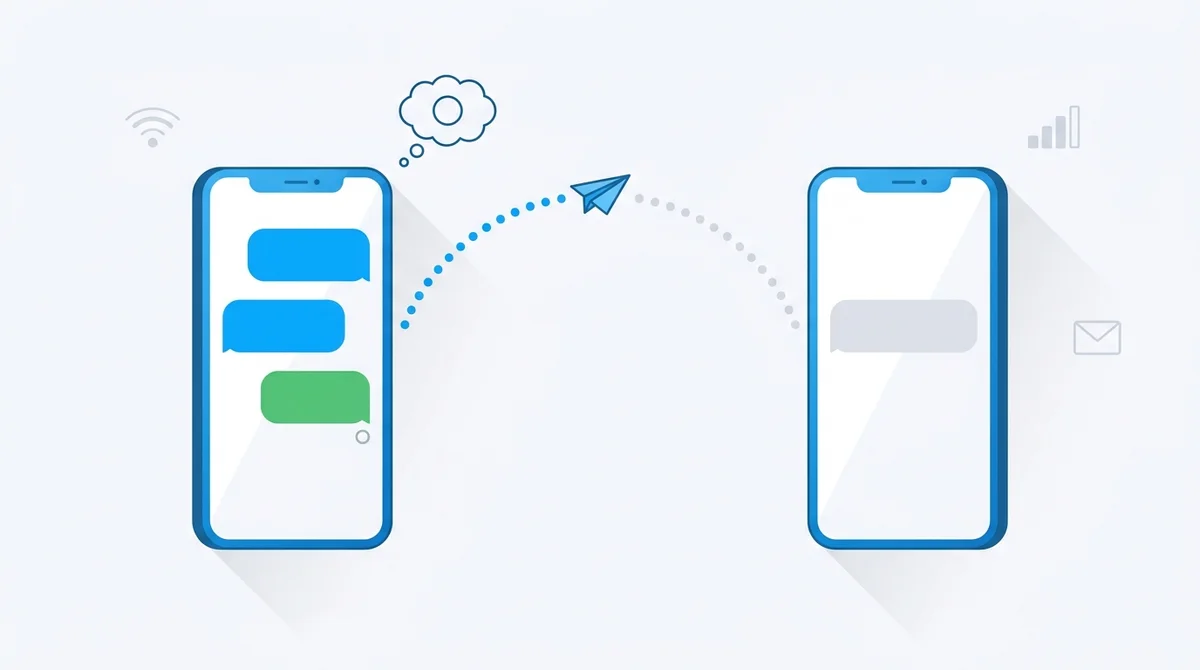
A green-bubble text to an Android never says Delivered on iPhone unless it went as RCS. That is not a failure. Red “Not Delivered” is.
- No status under a green bubble: a normal SMS. iPhone has never shown delivery receipts for SMS.
- Delivered or Read under a green bubble: RCS is on at both ends and working.
- Red exclamation mark, Not Delivered: the message did not go. Tap it, choose Try Again, then Send as Text Message, then use the fixes below.
Why a text to an Android does not say Delivered
Your iPhone can send the same text three ways, and only two of them report back. Apple describes it plainly: iMessage and RCS support delivery and read receipts; SMS and MMS do not. iMessage only works between Apple devices, so a text to an Android goes as RCS if both phones and the carrier support it, and as plain SMS if they do not. A plain SMS is handed to the carrier and the carrier says nothing more, which is why the bubble sits there with no status for as long as the conversation lasts. People read that silence as “not delivered” or “blocked”. It is neither. It is a 1990s protocol doing exactly what it always did.
RCS changed this. Since iOS 18 an iPhone on a supporting carrier can send green-bubble messages over RCS, and those do show Delivered and Read, typing indicators, and full-size photos. RCS is provided by the carrier, not by Apple, so whether you see the receipts depends on your plan, the other person's plan, and both phones having it switched on. Turn it on and most of the “why doesn't it say delivered” worry disappears.
Read the status like the phone does
| What you see | What it means | What to do |
|---|---|---|
| Green bubble, nothing underneath | Sent as SMS or MMS. The carrier accepted it. SMS has no delivery receipts on iPhone, so this is what a successful text to most Android phones looks like. | Nothing. If you want receipts, turn on RCS at both ends. |
| Green bubble, Delivered or Read | Sent as RCS. Both phones have RCS on and the carrier passed the receipt back. | Nothing. Read appears only if the other person has read receipts on. |
| Blue bubble, Delivered or Read | iMessage to another Apple device, received. | Nothing. |
| Blue bubble, no Delivered for a long time | iMessage sent, not yet received: their device is offline, off, or they have blocked you. The phone cannot tell you which. | Wait, or long-press the message and choose Send as Text Message. |
| “Sent as Text Message” under a green bubble | iMessage failed and the phone fell back to SMS. Common when the other person just moved to Android. | Nothing, but see the deregistration section if it happens for one contact every time. |
| Red exclamation mark, Not Delivered | The message was not sent. No connection, unsupported message type, or iMessage not activated. | Tap the red mark: Try Again, then Send as Text Message. Then work through the fixes below. |
Red “Not Delivered”: fix it in this order
Each step takes under a minute. Stop when the message goes through. These are Apple's own recommended steps first, then the ones that solve the cases Apple's page does not mention.
- Tap the red mark, then Try Again. Transient network drops are the most common cause and this clears most of them.
- Tap it again and choose Send as Text Message. This forces SMS, which only needs a cellular signal. If this works and iMessage keeps failing for one contact, jump to the section on people who switched to Android.
- Check the right connection for the message type. iMessage and RCS need Wi-Fi or cellular data. SMS needs a cellular signal, or Wi-Fi Calling turned on, which lets SMS travel over Wi-Fi. Airplane mode with Wi-Fi on will send iMessages and fail SMS.
- Check for the iOS 26 inactive-SIM bug. Apple documented an activation failure after the iOS 26 update on iPhones that carry an active SIM and an inactive SIM or eSIM for the same number. Symptoms: every iMessage shows Not Delivered and incoming ones arrive as green bubbles. Fix: remove the inactive physical SIM, or delete the inactive eSIM under Settings, Cellular, then update to iOS 26.1 or later. If you added an eSIM after setup and iMessage never activated, turn iMessage off and on again under Settings, Apps, Messages.
- Toggle iMessage and RCS off and on. Settings, Apps, Messages. Turn iMessage off, wait ten seconds, turn it on, and confirm your phone number is ticked under Send & Receive. Do the same with RCS Messaging if you use it.
- Turn on Send as SMS. Same screen. With it on, the phone falls back to SMS automatically instead of leaving a red mark.
- Reset Network Settings. Settings, General, Transfer or Reset iPhone, Reset, Reset Network Settings. You will need to rejoin Wi-Fi networks. This fixes carrier settings that got stuck after a SIM change or an update.
- Ask the carrier. If only MMS or only RCS fails, the plan may not include it. Prepaid plans in particular sometimes exclude MMS or RCS.
iPhone not sending texts to an Android at all
When texts to one specific Android user vanish while everyone else gets yours, the cause is almost always that the person used to have an iPhone. Their number is still registered to iMessage, so your phone sends blue-bubble messages to a service their new phone cannot read. Nothing bounces. It just never arrives.
- Their fix, permanent: deregister iMessage. On the old iPhone: Settings, Apps, Messages, turn iMessage off, and turn FaceTime off too. Without the old iPhone: Apple's deregistration page (selfsolve.apple.com/deregister-imessage) takes the number, a confirmation code sent by text, and does it in a minute. Apple's own page says this is exactly the situation it exists for.
- Your fix, for one message: long-press the stuck message and choose Send as Text Message, or turn iMessage off, send, turn it back on.
- Other causes: you dialled a number with the wrong country code (very common when the contact was saved abroad), the recipient's spam filter in Google Messages caught a message with a link, or a group thread is stuck because MMS is off on one side. Sending a plain one-line message with no link tests the first two.
Turn on RCS so green bubbles get receipts
RCS is the only way to get Delivered and Read on a message to an Android. It needs iOS 18 or later and a text-messaging plan from a carrier that supports RCS on iPhone. In the US that now covers AT&T, T-Mobile and Verizon and most brands that run on their networks, including Cricket, Metro, Mint Mobile, Google Fi, Visible, Boost, Consumer Cellular, Xfinity Mobile and Spectrum. Outside the US, coverage is patchier and still arriving carrier by carrier.
- Settings, Apps, Messages.
- Tap RCS Messaging and turn it on. If the switch is missing, the carrier does not support it on your plan yet.
- Read receipts are a separate switch on the same Messages screen; the other person controls theirs.
- Open Google Messages, tap the profile picture, then Messages settings.
- RCS chats: turn it on and wait for the status to say Connected.
- Send read receipts is under the same screen.
One current wrinkle: Apple has started rolling out end-to-end encrypted RCS as a beta with supporting carriers. It arrives carrier by carrier, so two iPhone-to-Android chats can behave slightly differently in 2026 depending on who provides the line.
From the Android side: texts from iPhones not arriving
- You recently left iPhone: deregister iMessage as described above. Until you do, iPhone users' messages to you go to a service you no longer have.
- RCS stuck on “Setting up”: turn RCS chats off, restart, turn it on again. If it never connects, your carrier may not support RCS on that plan; you still receive SMS.
- Spam and blocked folder: Google Messages files suspected spam silently. Check Spam & blocked from the menu.
- Dual SIM: the message may have arrived on the other line. Check the SIM indicator in the thread.
Am I blocked?
The honest answer is that a phone will not tell you. A blocked iMessage never gains Delivered, but neither does one sent to a phone that is off. A blocked SMS looks exactly like a delivered SMS, because SMS never reported anything to begin with. A call that goes to voicemail after one ring is a hint, not proof: it is also what Do Not Disturb and Focus modes do. The only reliable test is another channel: a call from a different number, an email, or asking a mutual contact.
Frequently Asked Questions
Text not going through? Call instead.
BubblyPhone calls any mobile or landline in 200+ countries from your browser, with no SIM and no app to install. Top up from $5 and pay by the minute.
Related guides
- How to forward text messages: SMS, RCS and iMessage, on both platforms.
- Forward texts automatically on Android: when you need every message on a second phone.
- Auto-reply to texts on iPhone: Driving Focus and the workarounds for everything else.
- Can the other person tell when you merge calls?: the calling equivalent of this question.