If You Merge Calls, Can the Other Person Tell? What iPhone and Android Actually Show
Merging calls sends no notification on iPhone or Android. The other people hear a few seconds of hold and sometimes a short beep; only you see the participant list. What each side sees and hears, and how to merge properly.
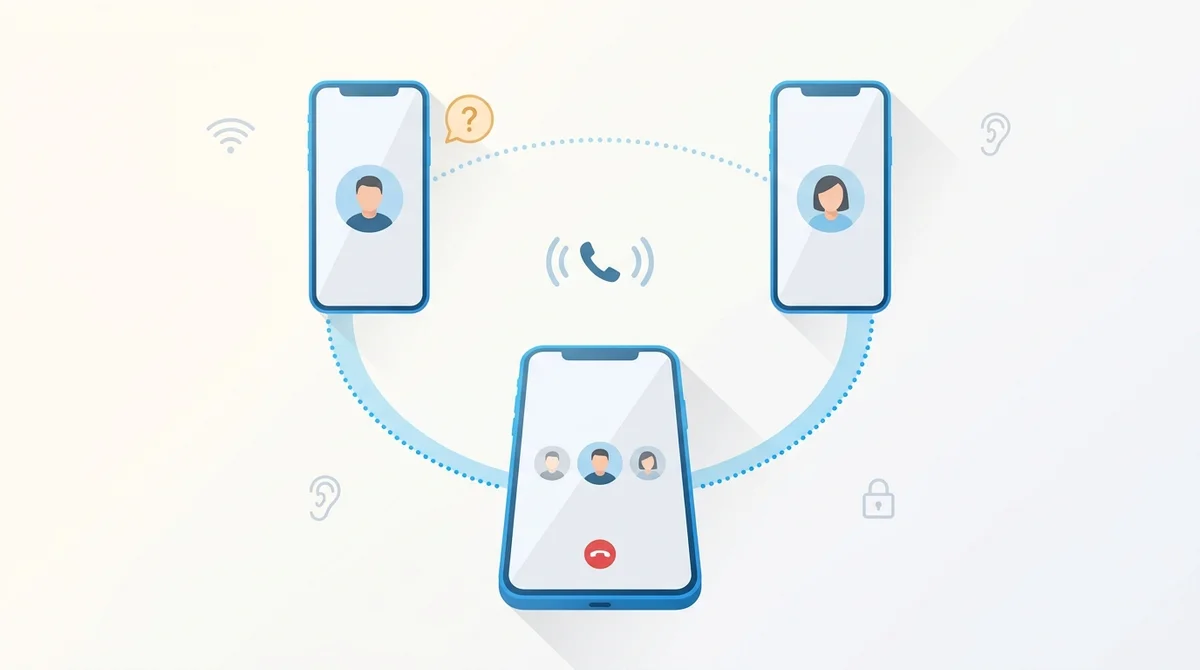
No. Neither iPhone nor Android tells the other people that you merged the calls.
- Their screen does not change. Only your phone shows the participant list.
- They can still notice it: a few seconds of hold while you dial, a short beep on some carriers, and a new voice or new background noise once the lines are joined.
- App calls are different. FaceTime, WhatsApp and Teams show every participant to everyone.
What the other people see when you merge a call
On a regular mobile call, merging is done by your carrier's network, not by the phones. Your phone asks the network to join two lines into a conference bridge, and the network does it. That is why the other handsets learn nothing: the network never sends them a “you are now in a conference” message, so there is no banner to show and no vibration to trigger. Only the phone that started the conference keeps a participant list, because it is the only one that asked for one.
| Who | What their screen shows | What they hear |
|---|---|---|
| You (the person who merges) | The participant list, labelled Conference on iPhone and Conference call on Android, with each name or number. | Everyone, at normal volume. No tone on most carriers. |
| The person you were already talking to | Nothing changes. Your name or number, the timer keeps running. No banner, no vibration. | A pause of a few seconds while you dial the second person (silence or carrier hold music), then possibly a short click or beep, then a new voice. |
| The person you add | A normal incoming call from you. Nothing says a third person is on the line. | You, then a possible click or beep at the merge, then the first person. |
What they hear, and when
The screen stays quiet, but the audio does not. Three things give a merge away, in order of how often people notice them:
- The hold gap. Tapping Add Call puts the first person on hold. For the five to twenty seconds it takes the second call to connect, they hear silence or your carrier's hold music. This is the tell almost everyone catches. Saying “hang on, I'm adding Sam” before you tap turns it from suspicious into normal.
- A click or beep at the moment of the merge. Some carriers play a brief tone when a line joins or leaves the bridge; others join silently, and modern VoLTE networks are usually the silent kind. A few iPhone and carrier combinations go further and play a repeating tone every 15 seconds or so that every participant except the host hears. People sometimes mistake that tone for a recording notice. It is the conference bridge, and nothing on the phone turns it off.
- A third voice, or a third room. Even a silent participant brings breathing, keyboard clicks, traffic, or a different echo. Anyone paying attention will eventually ask who else is there.
How to merge calls on iPhone
These are Apple's steps for the Phone app in iOS 26 and iOS 27. The wording changed when the app was redesigned: the old Add Call button now lives under More.
- Call the first person and wait for the call to connect.
- Tap More, then Add People, and call the second person. The first person is on hold from this moment.
- When the second call connects, tap Merge. The screen now shows Conference with both names.
- Repeat to add more people. Apple's limit is five, if your carrier allows it.
- If someone calls you during the conference, tapping Accept adds them to the conversation rather than swapping to them.
Tap the participant list to manage the call: you can talk privately with one person, which puts the others on hold, or drop one person without ending the call for everyone. Whether those options appear depends on your carrier, not on the iPhone.
How to merge calls on Android (Pixel and Samsung)
Google's Phone app, used on Pixel and many other Android phones, and Samsung's own dialer use different labels for the same three steps.
- In the active call, tap Add call, enter the number and tap Call.
- When it connects, tap Call merge. Tapping Switch instead swaps between the two calls and puts the other on hold.
- The screen shows Conference call. Tap the participant list to end one line or speak to one person.
- In the active call, tap Add call and dial the second person.
- When it connects, tap Merge.
- Tap the conference banner to see participants; each line has its own end button.
Participant limits are set by the carrier, typically five or six people including you. If Merge never appears, or appears greyed out, your carrier or plan does not support conference calls, or you are on Wi-Fi calling, where some carriers disable it.
Where merging is not silent: FaceTime, WhatsApp, Teams
Everything above applies to ordinary phone calls. App calls work the other way round. FaceTime Audio, WhatsApp, Signal, Teams and Zoom run the call on their own servers, so every handset gets the full participant list. Add someone to a WhatsApp call and their name appears on everyone's screen, usually with a join sound. If your goal is a group conversation everyone can see, use an app. If the other people only have a phone number, the carrier conference is the only option, with the limits above.
Is it legal to add someone without saying so?
Merging a call is not recording it, so recording laws do not apply by themselves. Letting a third person listen in without telling the others is a different matter. In some places, including several US states with all-party consent rules for confidential conversations, a silent listener can count as eavesdropping. Company policies and regulated industries add their own rules. This is general information, not legal advice, and the practical answer is the same everywhere: say who is on the line. It costs one sentence and removes both the legal question and the awkward one.
The clean way to merge a call
- Announce before you tap. “I'm going to add Priya, one moment.” The hold gap now makes sense to the first person.
- Brief the second person before merging. Tell them who is waiting and why, then tap Merge. Nobody joins a conversation blind.
- Introduce everyone after the merge. Carrier bridges do not, so you do.
- Use mute, not hold. Putting a conference on hold can play hold music to all the other participants on some carriers.
- End one line, not the call. Use the participant list to drop the person who is done, so the rest of the call continues.
Worried that someone merged you?
The same three tells work in reverse: an unexplained hold, a click, then a voice or background that does not match the person you called. Your phone will never show it. We cover what to listen for, and what to say, in how to tell if you're on a 3-way call.
Frequently Asked Questions
Need to reach someone abroad first?
BubblyPhone calls are one-to-one, so there is no merging and nobody listening in. Call any mobile or landline in 200+ countries from your browser, by the minute.
Related guides
- How to make a 3-way call on iPhone: the full walkthrough with carrier limits.
- 3-way calls on Android: how to make one and how to tell if you are on one.
- How to tell if you're on a 3-way call: the seven signs, on any phone.
- Call forwarding codes: the star codes that move a call instead of merging it.