How to Make a 3-Way Call on iPhone (2026 Complete Guide)
Learn how to make a 3-way conference call on iPhone. Step-by-step guide for iOS, FaceTime alternative, troubleshooting merge calls not working, and carrier limits.
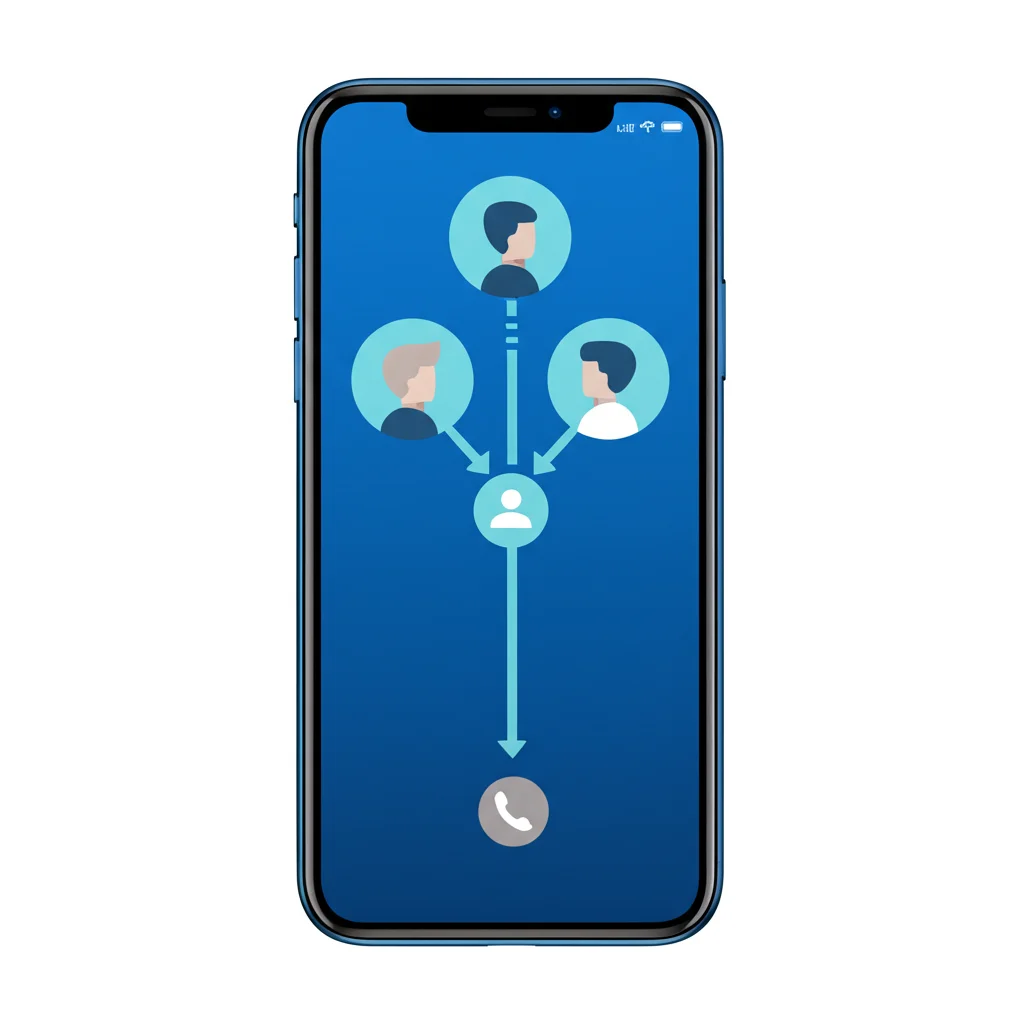
To make a 3-way call on iPhone, call the first person, tap Add Call, dial the second person, then tap Merge Calls once they answer. You can repeat Add Call and Merge to bring in up to 5 participants. If Merge is greyed out, the second call usually hasn't connected yet or your carrier doesn't support conferencing.
How to Make a 3-Way Call on iPhone
Making a conference call on iPhone is straightforward. Follow these steps to connect three or more people on the same call:
Step-by-Step Instructions:
- Call the first person — Open the Phone app and call the first participant. Wait for them to answer.
- Tap "Add Call" — Once connected, tap the + Add Call button (or "Add People" on newer iOS versions). This puts the first caller on hold.
- Call the second person — Dial the second person's number or select from Contacts. Wait for them to answer.
- Tap "Merge Calls" — Once the second person answers, tap Merge Calls. All three of you are now connected!
Tip: The first person will be on hold while you dial the second person. They'll hear hold music until you merge the calls.
Manage Your Conference Call
Once you've started a conference call, you have several options for managing participants:
View Participants
Tap the (i) button at the top of the call screen to see everyone on the call.
Talk Privately
Tap "Private" next to a participant's name to speak with them alone. Others are put on hold.
Remove Someone
Tap the (i) button, then tap "End" next to the person you want to disconnect.
Return to Conference
After a private call, tap "Merge Calls" to bring everyone back together.
Add More Than 3 People
You can add up to 5 people on a conference call (depending on your carrier). To add more participants:
- During the conference call, tap Add Call again
- Dial the next person's number
- Once they answer, tap Merge Calls
- Repeat for additional participants (up to 5 total)
Note: The exact number of participants allowed depends on your carrier. Most US carriers support 5 participants, but some international carriers may limit it to 3.
Alternative: Use FaceTime for Group Calls
If your carrier doesn't support conference calling, or you need to add more than 5 people, FaceTime is an excellent alternative. FaceTime supports up to 32 participants!
Make a Group FaceTime Audio Call:
- Open the FaceTime app
- Tap New FaceTime
- Enter the names, numbers, or emails of people you want to call
- Tap the Phone icon (for audio) or FaceTime button (for video)
Limitation: All participants need an Apple device (iPhone, iPad, or Mac) to join a FaceTime call. For non-Apple users, use regular conference calling or a third-party service.
Troubleshooting: Merge Calls Not Working
If the "Merge Calls" button is greyed out or conference calling isn't working, try these fixes:
1. Turn Off Wi-Fi Calling
Wi-Fi Calling can interfere with conference calls on some carriers. Go to Settings > Phone > Wi-Fi Calling and toggle it off.
2. Remove Old Devices from Apple ID
Go to Settings > [Your Name] and check for old iPhones using your number. Tap any old device and select "Remove from Account." This has fixed the issue for many users.
3. Check Carrier Support
Not all carriers support conference calling, and some require it to be enabled on your plan. Contact your carrier to confirm the feature is available.
4. Reset Network Settings
Go to Settings > General > Transfer or Reset iPhone > Reset > Reset Network Settings. This clears network-related issues but also removes saved Wi-Fi passwords.
5. Turn Off VoLTE
Some users report issues with VoLTE (Voice over LTE) and conference calling. Go to Settings > Cellular > Cellular Data Options > Voice & Data and select LTE.
6. Wait for Both Calls to Connect
The Merge button only appears after the second person answers. Make sure both calls are fully connected before trying to merge.
Carrier Conference Call Limits
The number of participants allowed on a conference call depends on your carrier:
| Carrier | Max Participants | Notes |
|---|---|---|
| Verizon | 6 | With HD Voice enabled |
| AT&T | 6 | Most plans include conference calling |
| T-Mobile | 5-6 | Depends on plan type |
| Sprint/T-Mobile | 5 | Legacy Sprint customers |
Contact your carrier directly to confirm conference call limits for your specific plan.
Frequently Asked Questions
How many people can be on a conference call on iPhone?
Most US carriers allow up to 5-6 participants on an iPhone conference call. The exact number depends on your carrier and plan. For larger groups, use FaceTime (up to 32 people) or a third-party conferencing app.
Why is my Merge Calls button greyed out?
The most common causes are: Wi-Fi Calling interference (try turning it off), carrier doesn't support conference calling, old devices registered to your Apple ID, or one of the calls isn't fully connected yet. See the troubleshooting section above for fixes.
Can I record a 3-way call on iPhone?
iPhone doesn't have a built-in call recording feature. You can use third-party apps like TapeACall or Rev Call Recorder, but be aware that recording calls may require consent from all parties depending on your state's laws.
Do the other people know they're on a conference call?
There's no automatic notification. However, they may hear a click or brief pause when calls are merged. It's good practice to inform all participants that you're starting a conference call.
Is 3-way calling free on iPhone?
Conference calling is included with most carrier plans at no extra charge. However, all calls count against your plan minutes (if you don't have unlimited calling), and international calls may incur additional charges.
Can I add someone already on another call?
You can only add someone if they're available to answer. If they're on another call and don't have call waiting, your call will go to voicemail. They'll need to end their current call first.
Related Guides
3-Way Call on Android
Make conference calls on Samsung, Pixel, and more
Call Forwarding on iPhone
Set up call forwarding on iOS devices
Auto Reply Text iPhone
Set up automatic text responses
Schedule Text on iPhone
How to schedule text messages on iOS
WiFi Calling Apps
Best apps for calling over WiFi
Record Phone Calls iPhone
How to record calls on iPhone
Detect a 3-Way Call
How to tell if someone added a third person to your call
Start Your Conference Call
Making a 3-way call on iPhone is as simple as calling the first person, tapping Add Call, dialing the second person, and merging the calls. If you're experiencing issues with the Merge button, try turning off Wi-Fi Calling or checking for old devices on your Apple ID.
For business conference calls with more features, consider using BubblyPhone—it offers conference calling, call recording, and works across all your devices.