Conditional Call Forwarding: Complete Guide to Busy, No Answer & Unreachable (2026)
Learn about conditional call forwarding - forward calls only when busy, no answer, or unreachable. Complete guide with *61*, *67*, *62* codes for all US carriers, iPhone & Android setup.
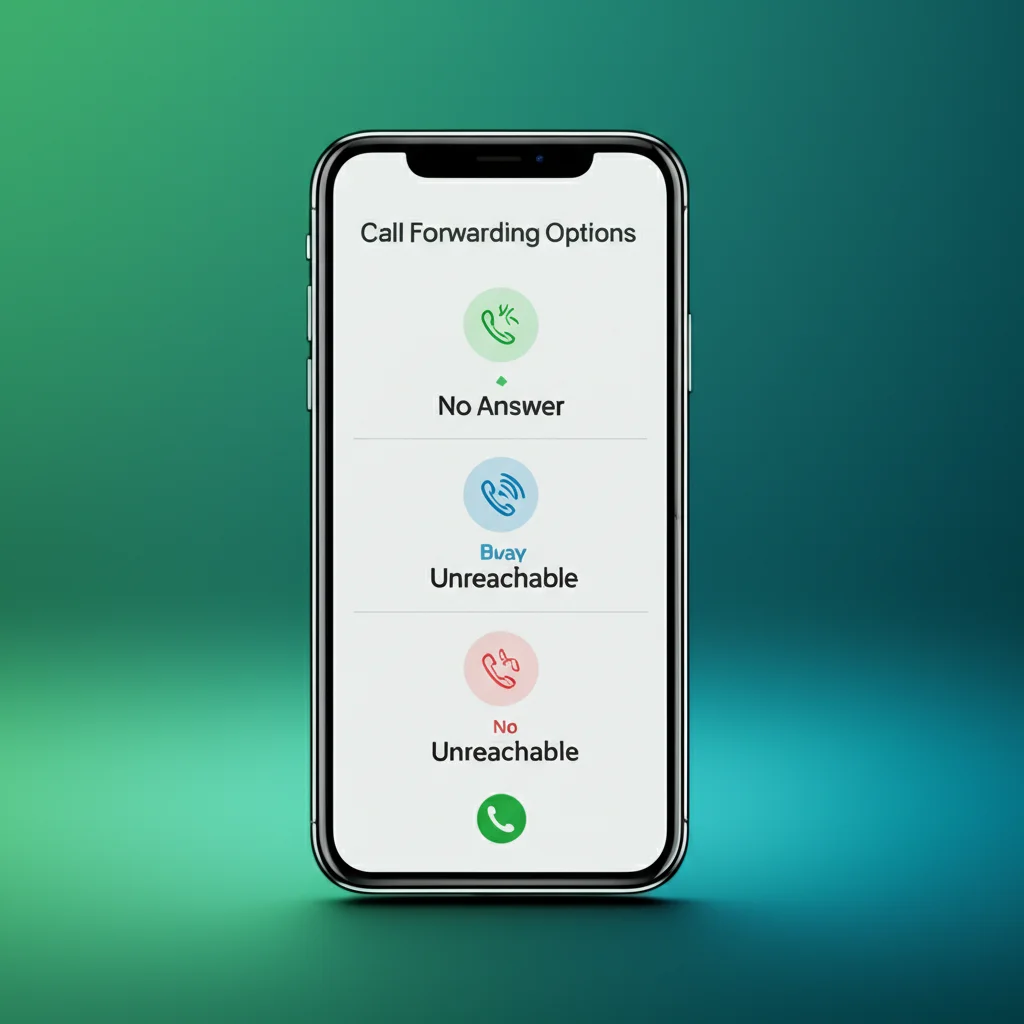
Conditional call forwarding lets you redirect calls only when you're busy, don't answer, or your phone is unreachable - instead of forwarding every call. This complete guide covers the three types (*61*, *67*, *62*), setup for iPhone and Android, codes for all US carriers, and business use cases in 2026.
Conditional Call Forwarding Quick Reference
No Answer:
**61*number#When Busy:
**67*number#Unreachable:
**62*number#Works on AT&T, T-Mobile, and most GSM carriers. Verizon uses *71.
Table of Contents
What is Conditional Call Forwarding?
Conditional call forwarding is a telecommunications feature that automatically redirects incoming calls to another number only when specific conditions are met - such as when your line is busy, you don't answer, or your phone is unreachable.
Unlike unconditional forwarding (which forwards ALL calls immediately), conditional forwarding lets your phone ring first. If you're available, you can answer normally. If not, the call automatically routes to your backup number or voicemail.
Key Benefit
Research shows that about 80% of callers sent to voicemail won't leave a message - they hang up and call your competitor instead. Conditional forwarding ensures someone answers when you can't.
The 3 Types of Conditional Call Forwarding
There are three main types of conditional call forwarding, each triggered by a different condition. You can set up one, two, or all three simultaneously.
Your phone rings normally. If you don't answer within ~15-20 seconds (3-4 rings), the call forwards to your backup number.
Enable: **61*number#
Disable: ##61#
Check: *#61#
Best for: Meetings, multitasking, temporarily away
When you're already on another call, incoming calls forward automatically instead of getting a busy signal.
Enable: **67*number#
Disable: ##67#
Check: *#67#
Best for: High call volume, single-line businesses
When your phone is off, in airplane mode, or has no cellular signal, calls forward to your backup number.
Enable: **62*number#
Disable: ##62#
Check: *#62#
Best for: Travel, poor coverage areas, dead battery backup
Enable All Three at Once
To set up all conditional forwarding types (busy, no answer, unreachable) to the same number at once, use the **004* code:
Enable all conditional forwarding:
**004*5551234567#
Disable all conditional forwarding:
##004#
Conditional vs Unconditional Call Forwarding
Understanding the difference between conditional and unconditional forwarding helps you choose the right option for your needs.
| Feature | Conditional | Unconditional |
|---|---|---|
| When it activates | Only when busy, no answer, or unreachable | Every incoming call, immediately |
| Your phone rings? | Yes (unless condition met) | No - never rings |
| Flexibility | High - you can still answer calls | Low - all calls redirected |
| Enable code | **61*, **67*, **62* | **21* or *72 |
| Best for | Everyday use, backup coverage | Vacations, temporary handoff |
Choose Conditional When:
- ✓ You want to answer calls when possible
- ✓ You need backup for busy/missed calls
- ✓ You run a small business
- ✓ You want calls forwarded after-hours only
Choose Unconditional When:
- ✓ You're on vacation/out of office
- ✓ Your phone is broken
- ✓ You're handing off all calls temporarily
- ✓ You won't be available at all
Conditional Call Forwarding Codes by Carrier
AT&T & T-Mobile (GSM Codes)
| Condition | Enable | Disable | Check Status |
|---|---|---|---|
| No Answer | **61*number# | ##61# | *#61# |
| When Busy | **67*number# | ##67# | *#67# |
| Unreachable | **62*number# | ##62# | *#62# |
| All Conditional | **004*number# | ##004# | *#004# |
T-Mobile Tip: You can customize the ring delay before "no answer" forwarding triggers. Use **61*number*11*30# to set a 30-second delay (default is usually 20 seconds).
Verizon
Verizon uses a single code (*71) for all conditional forwarding. This code forwards calls when you're busy, don't answer, OR your phone is unreachable.
| Action | Code | Example |
|---|---|---|
| Enable Conditional (Busy/No Answer/Unreachable) | *71 + number | *715551234567 |
| Enable Unconditional (All Calls) | *72 + number | *725551234567 |
| Disable All Forwarding | *73 | Just dial *73 |
Verizon Limitation
Unlike AT&T and T-Mobile, Verizon doesn't let you set up different forwarding numbers for different conditions. The *71 code applies one number to all conditional scenarios.
Conditional Call Forwarding on iPhone
iPhones don't have built-in settings for conditional call forwarding - you must use dial codes. The Settings app only controls unconditional forwarding (all calls).
Using Dial Codes (AT&T, T-Mobile)
- 1Open the Phone app
Tap the green Phone icon
- 2Tap the Keypad tab
Enter the code for the type of forwarding you want
- 3Dial the code
For example,
**61*5551234567#for no-answer forwarding - 4Tap the green Call button
Wait for confirmation (tone or message), then hang up
// iPhone: Forward when no answer to 555-123-4567
**61*5551234567#
// iPhone: Forward when busy
**67*5551234567#
// iPhone: Forward when unreachable
**62*5551234567#
Conditional Call Forwarding on Android
Android phones (Samsung, Pixel, OnePlus, etc.) let you set up conditional forwarding directly in the Phone app settings - no dial codes needed (though you can still use them).
Via Phone Settings
- 1. Open the Phone app
- 2. Tap the three-dot menu (⋮) → Settings
- 3. Tap Supplementary services (or Calling accounts → [Your SIM])
- 4. Tap Call forwarding
- 5. You'll see four options:
- Always forward (unconditional)
- Forward when busy ← Conditional
- Forward when unanswered ← Conditional
- Forward when unreachable ← Conditional
- 6. Tap each conditional type you want, enter the forwarding number, and tap Enable
Android Advantage: Unlike iPhone, Android lets you set different forwarding numbers for each condition. Forward busy calls to one number and unanswered calls to another.
Business Use Cases for Conditional Forwarding
Conditional call forwarding is especially valuable for professionals and small businesses who need to ensure every call gets answered. The FCC mandates that all carriers support call forwarding features.
During Meetings
Set up no-answer forwarding to route calls to an assistant or answering service when you're in meetings and can't step out.
After Business Hours
Forward after-hours calls to an on-call team member or voicemail service so you don't miss important calls overnight.
Field Service Teams
Contractors and technicians can forward calls when they're at job sites without cell coverage, ensuring dispatch can still reach them.
High-Volume Call Periods
During busy times, forward calls when you're on another call to prevent customers from getting a busy signal.
Solo Business Owners
When you're with a client or making deliveries, conditional forwarding sends unanswered calls to voicemail or an answering service.
Real Estate Agents
While showing properties, forward busy or unanswered calls to your office or a partner agent so leads don't go to competitors.
The 80% Problem
Studies show that about 80% of callers sent to voicemail won't leave a message - they hang up and call a competitor. Conditional forwarding solves this by ensuring a human always answers.
Turn Off Conditional Call Forwarding
To disable conditional call forwarding, use these codes:
| To Disable | AT&T / T-Mobile | Verizon |
|---|---|---|
| No-answer forwarding | ##61# | *73 (disables all) |
| Busy forwarding | ##67# | |
| Unreachable forwarding | ##62# | |
| All conditional at once | ##004# |
Check Current Status
To check which conditional forwarding is currently active:
*#61#- Check no-answer forwarding status*#67#- Check busy forwarding status*#62#- Check unreachable forwarding status*#004#- Check all conditional forwarding at once
Need a Professional Backup Number?
Get a virtual business number to use as your conditional forwarding destination. Answer calls professionally from any device.
Get Your Business Number →Frequently Asked Questions
What is conditional call forwarding?
Conditional call forwarding is a phone feature that redirects incoming calls to another number only under specific conditions - when your line is busy, you don't answer, or your phone is unreachable. Unlike unconditional forwarding, your phone rings first and only forwards if you can't answer.
What are the 3 types of conditional call forwarding?
The three types are: (1) Forward when no answer (*61*) - forwards if you don't pick up within ~20 seconds; (2) Forward when busy (*67*) - forwards when you're on another call; (3) Forward when unreachable (*62*) - forwards when your phone is off or has no signal.
How do I set up conditional call forwarding on iPhone?
iPhone doesn't have settings for conditional forwarding - you must use dial codes. Open the Phone app, go to Keypad, and dial the code for your condition: **61*number# for no-answer,**67*number# for busy, or **62*number# for unreachable. Tap Call and wait for confirmation.
What is the code for conditional call forwarding on Verizon?
Verizon uses *71 followed by the 10-digit forwarding number for conditional forwarding. This single code covers all conditions (busy, no answer, and unreachable). To disable, dial *73. Verizon doesn't support separate codes for each condition like AT&T and T-Mobile.
What's the difference between conditional and unconditional forwarding?
Conditional forwarding only redirects calls when you can't answer (busy, no answer, unreachable) - your phone rings first. Unconditional forwarding redirects ALL calls immediately - your phone never rings. Use conditional for everyday backup; use unconditional when you're completely unavailable (vacation, etc.).
How do I turn off conditional call forwarding?
For AT&T and T-Mobile: dial ##61# (no answer), ##67# (busy), or ##62#(unreachable). To disable all at once, dial ##004#. For Verizon: dial *73 to disable all forwarding.
Related Resources
What is Call Forwarding?
Complete guide to how call forwarding works
Call Forwarding Codes (All Carriers)
Complete dial code reference
Verizon Call Forwarding
Verizon guide with *71, *72, *73 codes
T-Mobile Call Forwarding
T-Mobile guide with **21*, **61* codes
AT&T Call Forwarding
AT&T guide with *21*, *61* codes
Call Forwarding on iPhone
iPhone-specific setup guide
Call Forwarding on Android
Samsung, Pixel, OnePlus setup guide
Samsung Galaxy Call Forwarding
Complete guide for Galaxy S25, S24, A series