How to Call the US from Israel: Dialing Codes and Tips
You're in Israel, holding a U.S. number from a family member, client, or hotel desk, and the call won't go through. The core rule is simple: dial 00 + 1 + the complete 10-digit U.S. number from a conventional phone, or +1 + the 10-digit number from a mobile or internet dialer. The trouble usually comes from the line you're calling from, not the digits themselves.
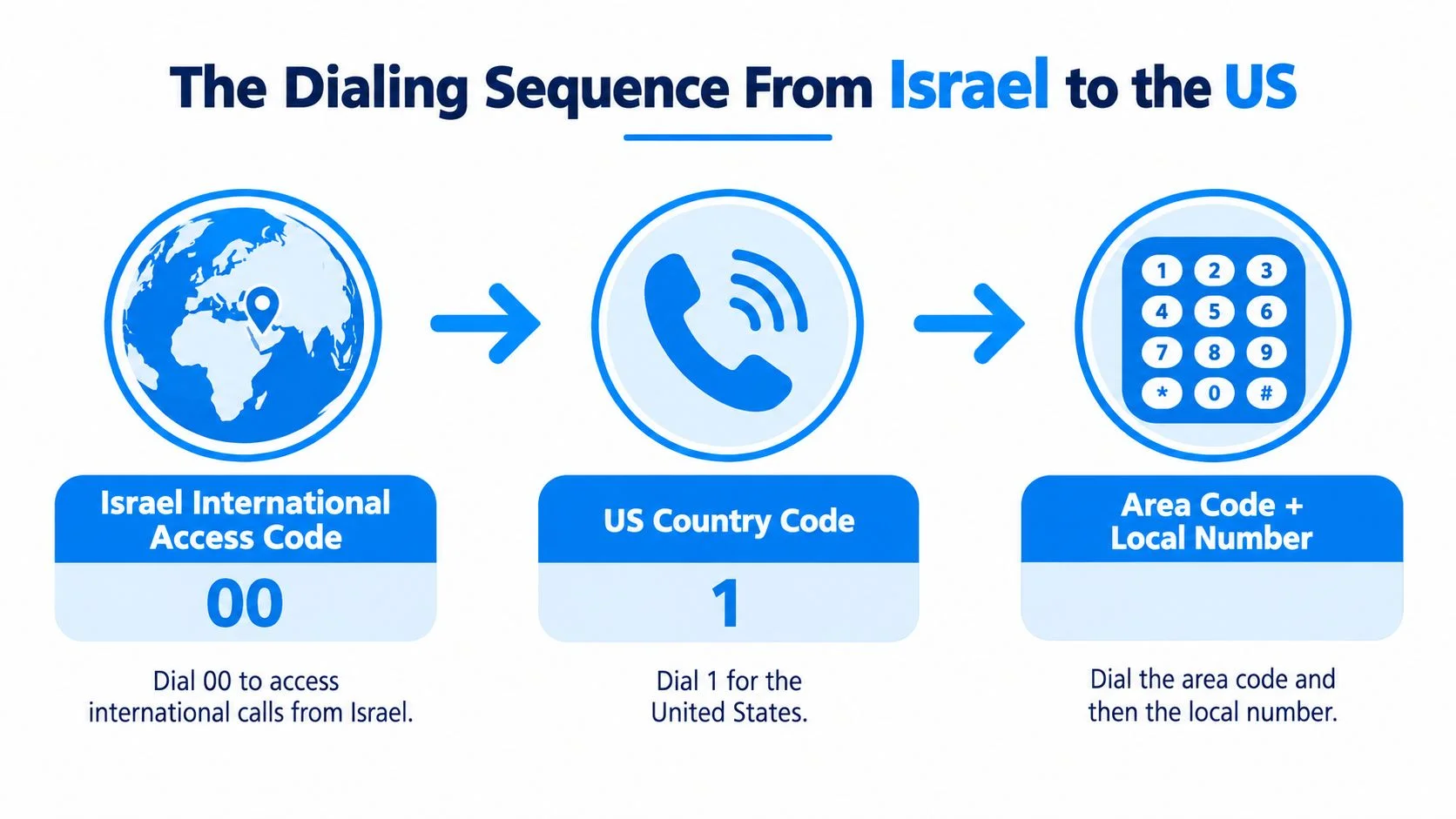
The Dialing Sequence From Israel to the US
From an Israeli landline, dial 00 + 1 + the full 10-digit U.S. number. From a mobile phone or browser dialer, use +1 + the same 10 digits.
The sequence has three parts: Israel's international access code, the U.S. country code, and the destination number. The conventional access code is 00; on a mobile or internet dialer, + generally serves in its place. The U.S. country code is 1.
The destination number has a three-digit area code and a seven-digit local number. Put together, those make the complete 10-digit U.S. number. A domestic number written as (212) 555-0123 becomes 00 1 212 555 0123 from a landline, or +1 212 555 0123 from a mobile dialer.

The main formatting trap is adding or keeping a leading zero. U.S. numbers don't use an extra domestic trunk prefix, so don't turn a number into +1 0212.... If the number you were given includes a 0 before its area code, check whether it was added by a contact system or written for a different country before dialing.
For a quick reference on the country code, use this guide to the code number for the United States. Once you've identified the 10-digit U.S. number, the choice between 00 and + depends mainly on whether you're calling from a conventional phone or a mobile or internet dialer.
Landline and Mobile Examples Side by Side
The same New York number can be dialed in two ways from Israel: use 00 on a conventional landline, or start with +1 on a mobile or browser dialer. The destination number stays the same in both cases.
Use the landline version when the phone system asks for an international access code. For a mobile or browser dialer, the +1 format is generally more convenient, and it's easier to save consistently in your contacts.
Don't enter just 555-0123 because the area code looks separate or optional. The U.S. number needs all 10 digits after the country code. If an app or contact field accepts spaces and parentheses, those are usually for readability; the digits still need to be complete and in the right order.
Quick check: Count the U.S. digits after 1. There should be 10, with no extra leading zero.
Why Your Call Fails and How to Fix It
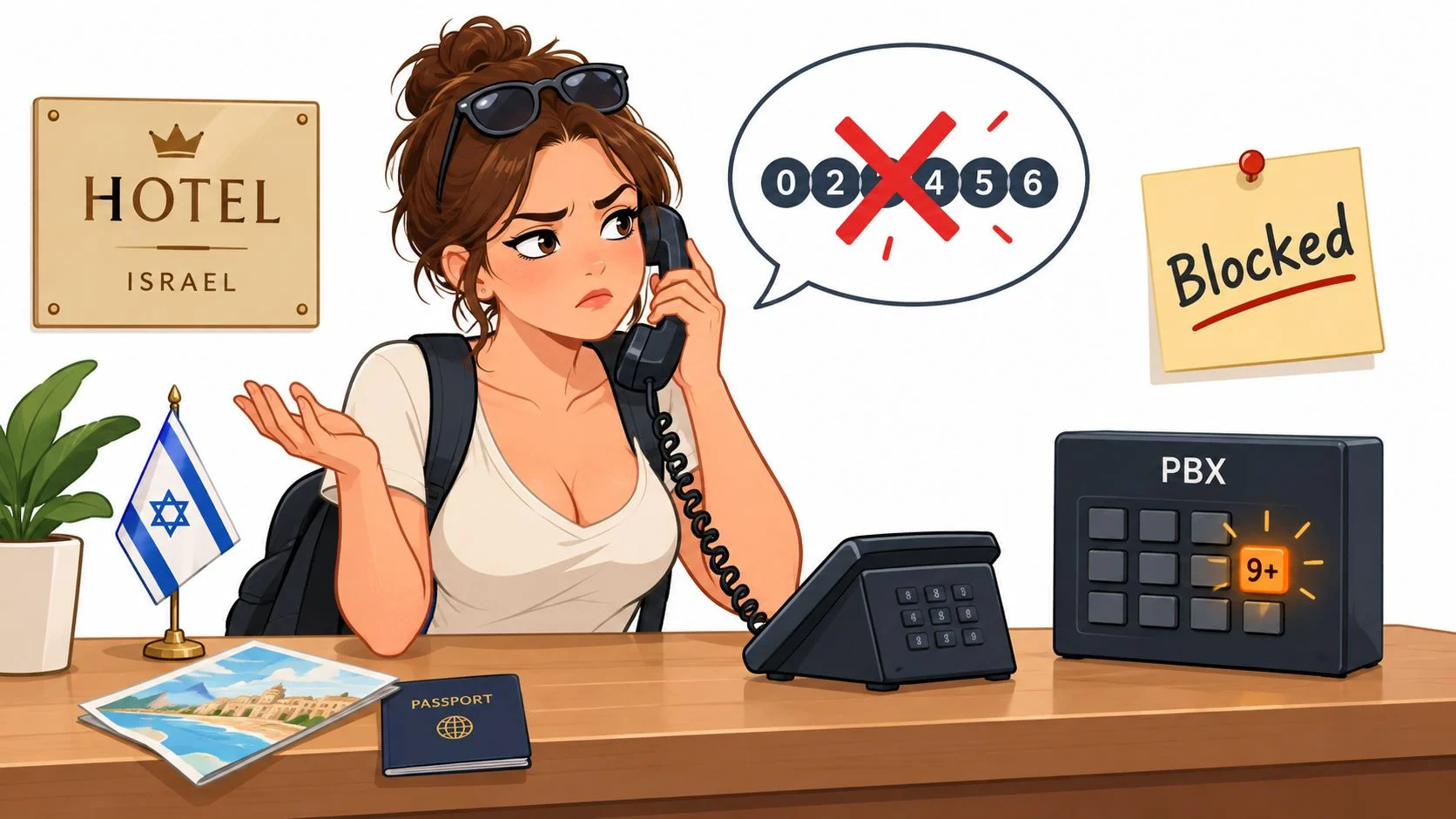
A correct U.S. number can still fail if the Israeli line blocks international calls, a hotel phone needs an access prefix, or the selected destination is wrong. Check the phone system and the number format before assuming the number itself is bad.
A common hotel-phone snag is the room handset connecting to a private switchboard. The hotel may require a prefix to reach an outside line, or it may block international calls altogether. Ask the front desk whether international dialing is enabled and whether you need to dial an outside-line prefix first. Don't guess repeatedly, some systems route calls differently or charge separately.
An Israeli home or office line can also have international access disabled or require a carrier-selection prefix. Israel's numbering information describes 00 and carrier-specific 01x prefixes as international calling options (Israel's telephone-numbering overview). If 00 fails on a landline, ask the line provider or administrator which international access option the plan supports. A prefix that works on one line may not work on another.

A separate trap is the shared +1 country code. It's used by the United States, Canada, and other destinations, so seeing +1 in a country selector doesn't confirm that the selected destination is the U.S. Check that the country selector says United States, then confirm the area code and full number before placing the call. If you're entering a number into a dialer, remove any stray leading zero and make sure you haven't omitted the area code.
When a call fails immediately, try this order: confirm international service is enabled, check whether the phone system needs an outside-line prefix, verify the destination country and area code, then retry over a different connection. Switching from a blocked hotel or office line to a mobile or internet dialer can be the quickest fix.
Using a Browser VoIP Service From Israel
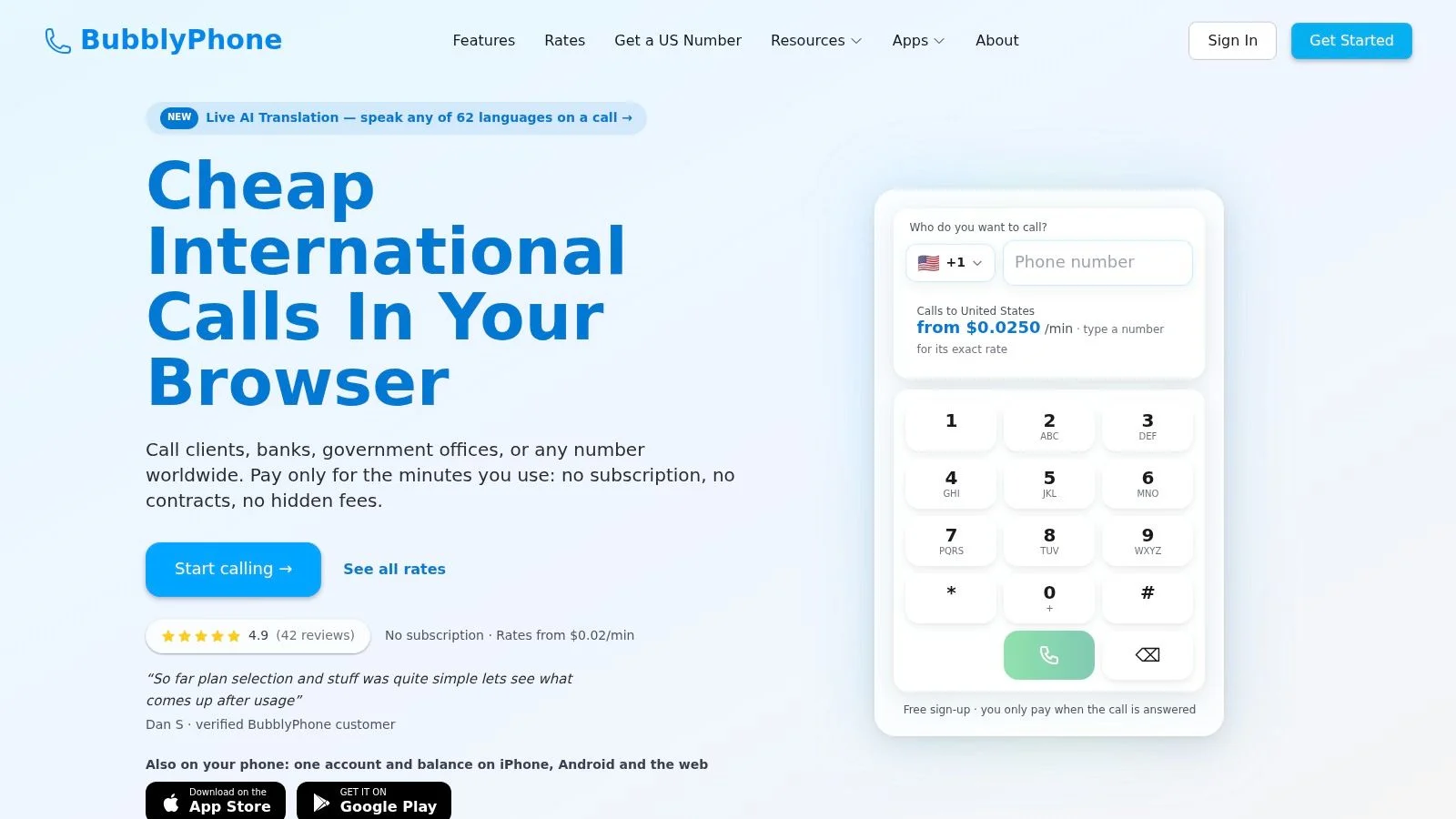
A browser-based calling service can be useful when a hotel or landline blocks international dialing, or when you want to see the destination rate before calling. With BubblyPhone, you can open the dialer in a browser, sign in, select the United States, enter the full number, review the rate, and place the call.
The recipient doesn't need an app or an account. The call goes to their regular landline or mobile phone, which is useful when you're trying to reach someone who doesn't want to install anything or create a new profile. For occasional calls, pay-as-you-go credits also mean you don't need a calling subscription.
To get started, open the browser dialer and add prepaid credits. The minimum top-up is $5, and credits don't expire. Before connecting, select the United States in the destination menu, enter the 10-digit number, and check the displayed rate on the current rate table. Rates can vary by destination and number type, so check the live listing rather than relying on an old estimate.

Allow microphone access when prompted, then check that your headset or built-in microphone is selected and working. If the audio sounds choppy, try a steadier Wi-Fi or data connection and avoid a congested network. The international call setup guide covers the basic dialing flow if you want to check your setup before connecting.
Calls are billed per minute, rounded up to the next whole minute. For example, a call lasting 65 seconds is billed as two minutes. You can also use the iOS or Android app, with balance and call history synced across devices. The choice is practical: use a direct phone line when international access is enabled and the charges are clear; use a browser dialer when you need a separate internet-based route and want the rate visible before you call.
Time Zones and the Best Hours to Call
Israel is usually seven hours ahead of New York, so 10:00 a.m. in New York is usually 5:00 p.m. in Israel. That difference can temporarily be six or eight hours around daylight-saving changes, because the countries don't change their clocks on identical dates.
For a family call or business conversation, check the local time on both ends on the day you plan to call. Don't assume last week's time difference still applies during a clock-change period. A date-specific check is particularly useful when a meeting or work handoff depends on both people being available.

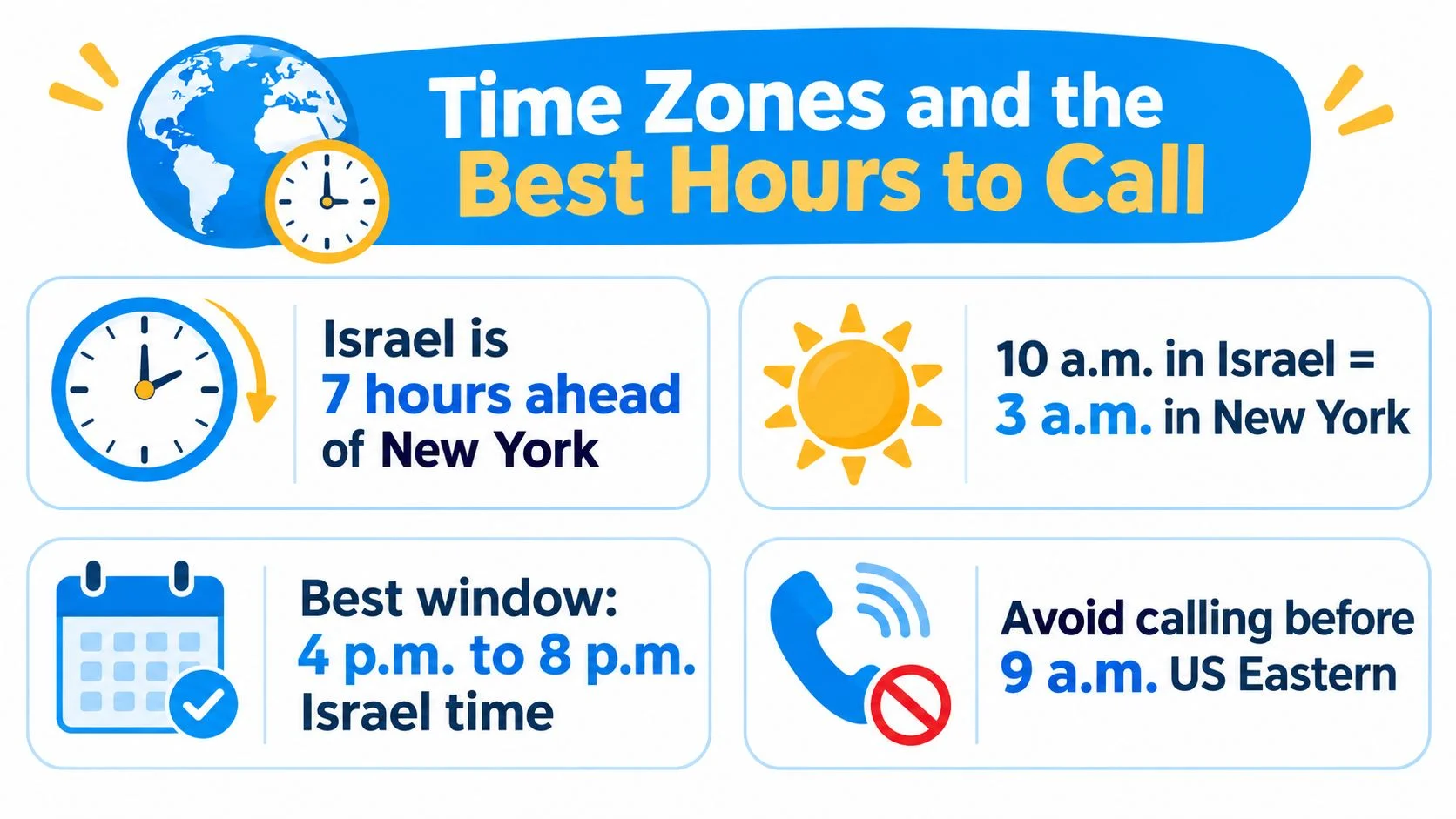
A workable starting point is to look for U.S. morning or early afternoon, which often falls in Israel's late afternoon or evening. Then consider the specific person's schedule, not just the clock: a customer may be working, while a family member may prefer a call after work. For repeat client conversations, a clear scheduling routine can help; this onboarding checklist for remote freelancers includes preparation ideas that can make client handoffs easier to manage.
If you're arranging a one-off call across different U.S. locations, use BubblyPhone's Best Time to Call tool to check a date and destination. New York is only a useful reference point; the recipient's city determines the local time that matters.
Roaming vs Calling From Inside Israel
An international-calling allowance for calls made from Israel doesn't automatically cover calls made while roaming abroad with an Israeli SIM. First check where you're physically calling from, then confirm what your plan covers for that situation.
If you're in Israel, you're making an international call from your home network or an internet calling service. Your mobile or landline plan may treat that differently from roaming. If you're outside Israel using an Israeli SIM, you're roaming, and calls you make or receive may be billed under separate conditions. Don't assume that a bundle for calling the U.S. from Israel applies when you're traveling.
That distinction matters even if your phone still shows an Israeli number. Check the roaming terms for the country you're visiting, and confirm whether incoming calls are included or charged separately. A plan may describe international calling and roaming as different benefits, so read the wording for the exact service you need rather than relying on the word “international.”
Decision rule: If you're not physically in Israel, check roaming coverage and charges before placing or accepting a call on your Israeli SIM.
For an occasional call while traveling, a browser-based pay-as-you-go service can keep the call separate from your mobile voice plan, provided you have a reliable internet connection. You'll still need to check the displayed destination rate and consider the network you're using. Public or hotel Wi-Fi may be convenient, but it can be less reliable than a private connection, and cellular data can have its own roaming charges. If the call is important, test your audio before the conversation and use a connection you trust.
Putting It All Together and Making the Call
Check that you have the complete U.S. number, remove any extra leading zero, and choose the format your phone supports. Use 00 1 from a conventional Israeli line or +1 from a mobile or internet dialer, then confirm the recipient's local time and place the call.
If the call doesn't connect, don't keep changing the number at random. Check whether international dialing is enabled, whether a hotel or office phone requires an outside-line prefix, and whether the country selector points to the United States. If you're traveling outside Israel, verify roaming terms before using your Israeli SIM.
For an internet-based call, review the displayed destination rate first and make sure the browser has microphone permission. BubblyPhone's browser dialer lets you call a U.S. landline or mobile without asking the person you're calling to install an app or make an account. Credits start at $5 and don't expire, and there's no subscription required for calling.
Try BubblyPhone in any browser to call a U.S. landline or mobile without asking the recipient to install an app or create an account. Add credits starting at $5, check the live rate before dialing, and make the call when you're ready.