How to Place an International Call from a Browser
Table of Contents
You're about to call family overseas, confirm a delivery with a supplier, or reach someone who can't use the same messaging app you do. To place an international call from a browser, open a browser dialer, enter the number in international format, check the destination and live rate, then call. The recipient answers on a regular landline or mobile phone, with no app or account required on their end.
What Calling From a Browser Actually Means
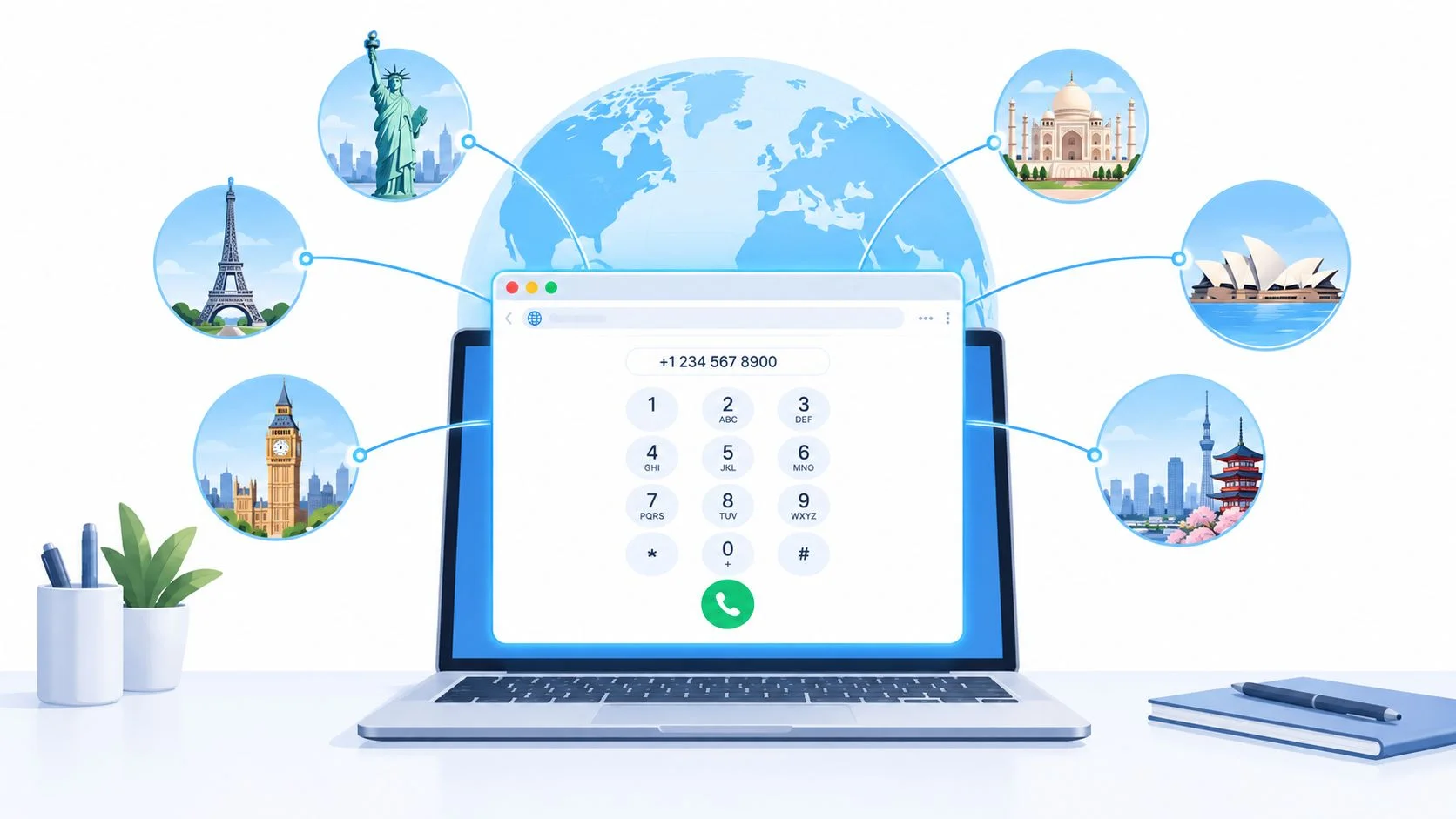
A browser dialer lets you call a regular phone number from a modern browser, without using a traditional phone handset or the calling function on a SIM card. The simplest path is to open the dialer, enter the number in +country-code format, check the displayed rate, allow microphone access, and place the call.
The browser handles your microphone and call connection, while WebRTC carries audio over the internet and enterprise-grade global carrier infrastructure connects the call to the recipient's phone. You'll need an account and enough prepaid credit for the call. The person you're calling doesn't need an account, an app, or a particular type of phone.

What to have ready
Before dialing, make sure you have:
- A modern browser and a working internet connection.
- A microphone you can select and grant permission to use.
- The recipient's full international number, including the country code.
- Prepaid credit to cover the destination's displayed rate.
A browser call isn't the same as a free app-to-app call. It reaches a normal phone number, so the call is billed according to the destination and number type. The trade-off is straightforward: you can call a landline or mobile even if the recipient doesn't use internet calling.
Practical rule: Set up your microphone before the call matters. A quick permission check is easier than troubleshooting while someone waits on the line.
If you're still choosing a device for regular calls, these phone buying tips can help you compare what matters for everyday use. For the browser call itself, though, a separate phone or SIM isn't required.
The International Dialing Format You Actually Type
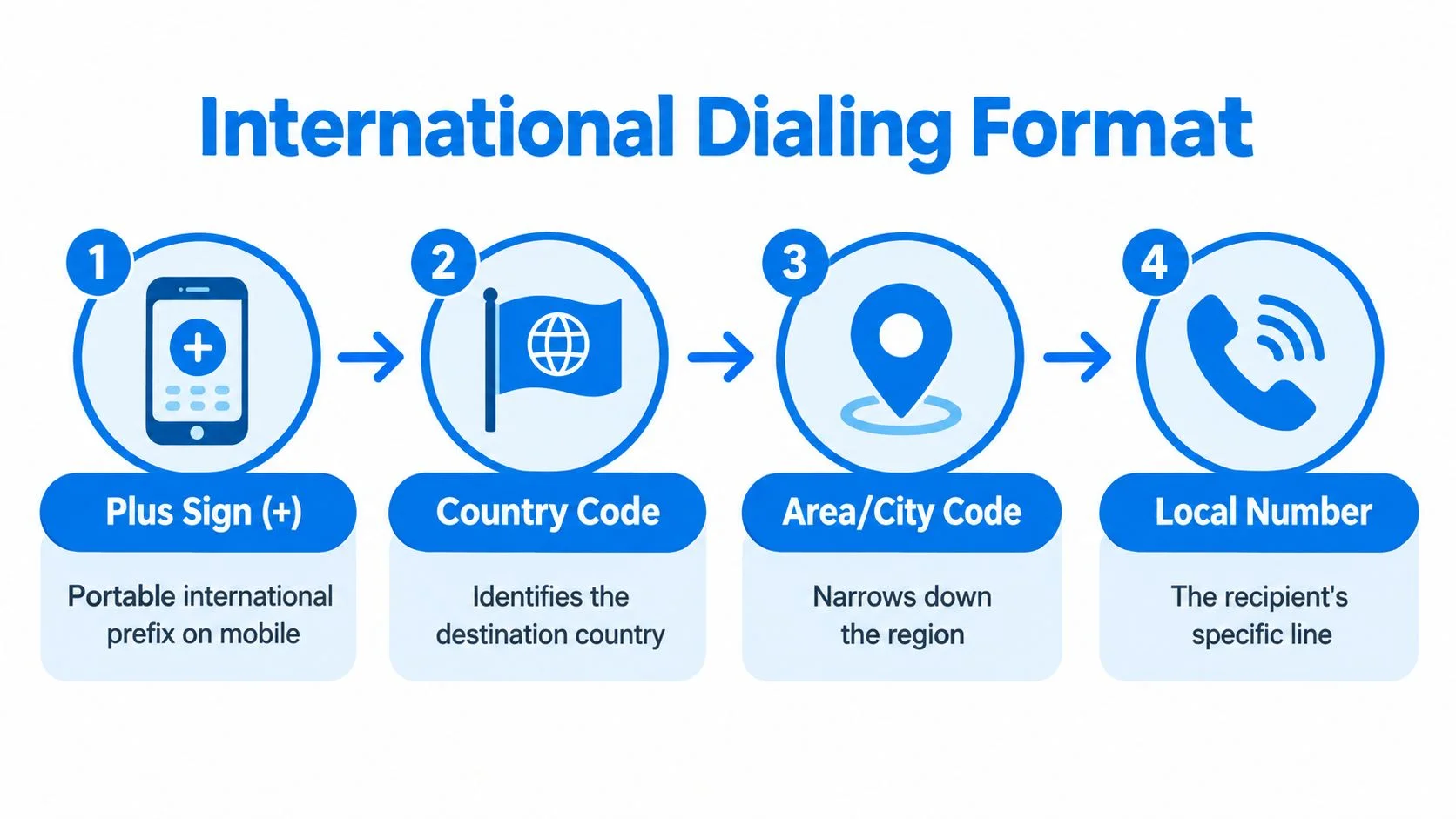
For a mobile or browser dialer, enter +, the destination country code, and the destination's national number in international form. From a fixed line, use the international access code required by the network you're calling from, followed by the same destination details.
The international number is built from a few pieces, but the exact national format varies. Under the ITU-T E.164 numbering framework, the international number contains a country code and a national number, with a maximum of 15 digits, excluding the international access prefix. Country codes can contain one, two, or three digits, so the national number's available length depends on the country code.

Build the number from the destination outward
Think of the number as these fields:
- International access method: On a mobile or browser dialer, the plus sign tells the service to use the correct international access method for the originating network. It isn't a country code.
- Country code: This identifies the destination country. Use a country code lookup if you're unsure.
- Area, city, or mobile prefix: Include the destination's required national destination code. Rules vary, and some destinations require it even when the number looks local.
- Subscriber number: Enter the remaining digits for the specific phone line.
For a call from a U.S. landline to Rio de Janeiro, the Federal Communications Commission's example is 011-55-21-XXXX-XXXX: 011 is the U.S. international access code, 55 is Brazil's country code, and 21 is Rio's city code. On a mobile device or browser dialer, the equivalent begins +55-21-XXXX-XXXX. The FCC advises checking destination requirements with your service provider because codes and number lengths vary (FCC international dialing guidance).
Before dialing, remove spaces and punctuation if the dialer doesn't normalize them automatically. Also remove a destination's leading domestic trunk zero when that country's numbering plan treats it as domestic-only. Don't assume every number follows the same pattern: geographic and mobile numbers may have different prefixes.
Checking Rates and Timing Before You Dial
Check the destination, number type, displayed rate, and available balance before placing the call. A country name alone isn't always enough to confirm the cost or reachability, because landline, mobile, and premium-rate numbers may be treated differently.
A transparent rate page should let you look up the destination and see the pricing that applies before you connect. Use the live international calling rates rather than relying on an old estimate or assuming that every number in one country costs the same. Short codes and premium-rate destinations may also be unavailable internationally, even when ordinary mobile and landline numbers connect.
A quick pre-call check
- Destination: Confirm the country shown by the dialer matches the number you entered.
- Number type: Check whether the destination is a landline, mobile, or a special or premium number.
- Rate: Review the current per-minute price before pressing call.
- Balance: Make sure your prepaid credit can cover the conversation you expect to have.
- Duration: Use the call cost calculator to estimate the cost for a likely call length.
For work calls, decide what you need to learn or confirm before connecting. That helps keep the conversation focused, especially when you're calling a destination where you haven't tested the audio or number format before. If translation is enabled, check its add-on price as well, since it affects the cost while it's active.
Pay-as-you-go Credits That Never Expire
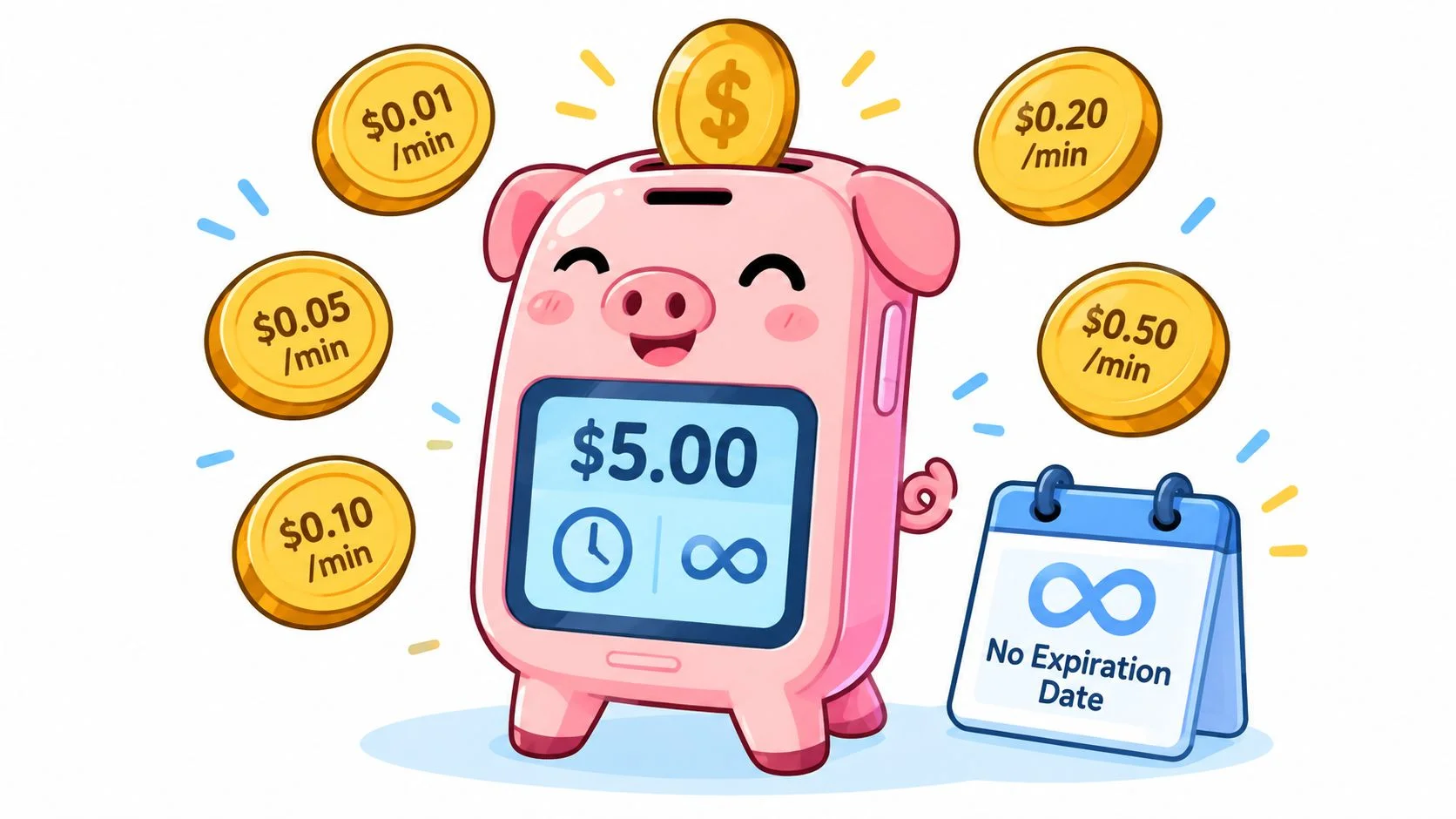
With prepaid calling, you add credit before dialing and pay for the minutes you use. Calls are billed per minute and rounded up to the whole minute, so a brief call that crosses a minute boundary is billed for the next whole minute.
The minimum top-up is $5, and credits don't expire. That suits occasional callers who may call family abroad only now and then, travelers who need to make a few practical calls, and small businesses with sporadic overseas follow-ups. You don't need a subscription to call. The only recurring product is an optional dedicated-number plan.

Start small, then adjust
Top up a modest amount for your first call rather than guessing at a long-term budget. Available payment options include card, PayPal, Apple Pay, and Google Pay where supported. Once you've checked the rate and credit balance, place a short test call to confirm the recipient can hear you and that the audio delay works for your conversation.
If the test sounds good, add credit later based on actual use. That keeps an occasional call from turning into an ongoing bill or an unused balance that disappears on a timer. The prepaid model makes the cost visible before a call and gives you control over when you add funds.
Adding Live AI Translation and Call Transcripts
Live AI translation is an optional per-minute add-on that can show bilingual captions during a call and save a transcript to call history afterward. It doesn't change how you dial: enter the international number, check the call details, and enable translation when the conversation needs it.

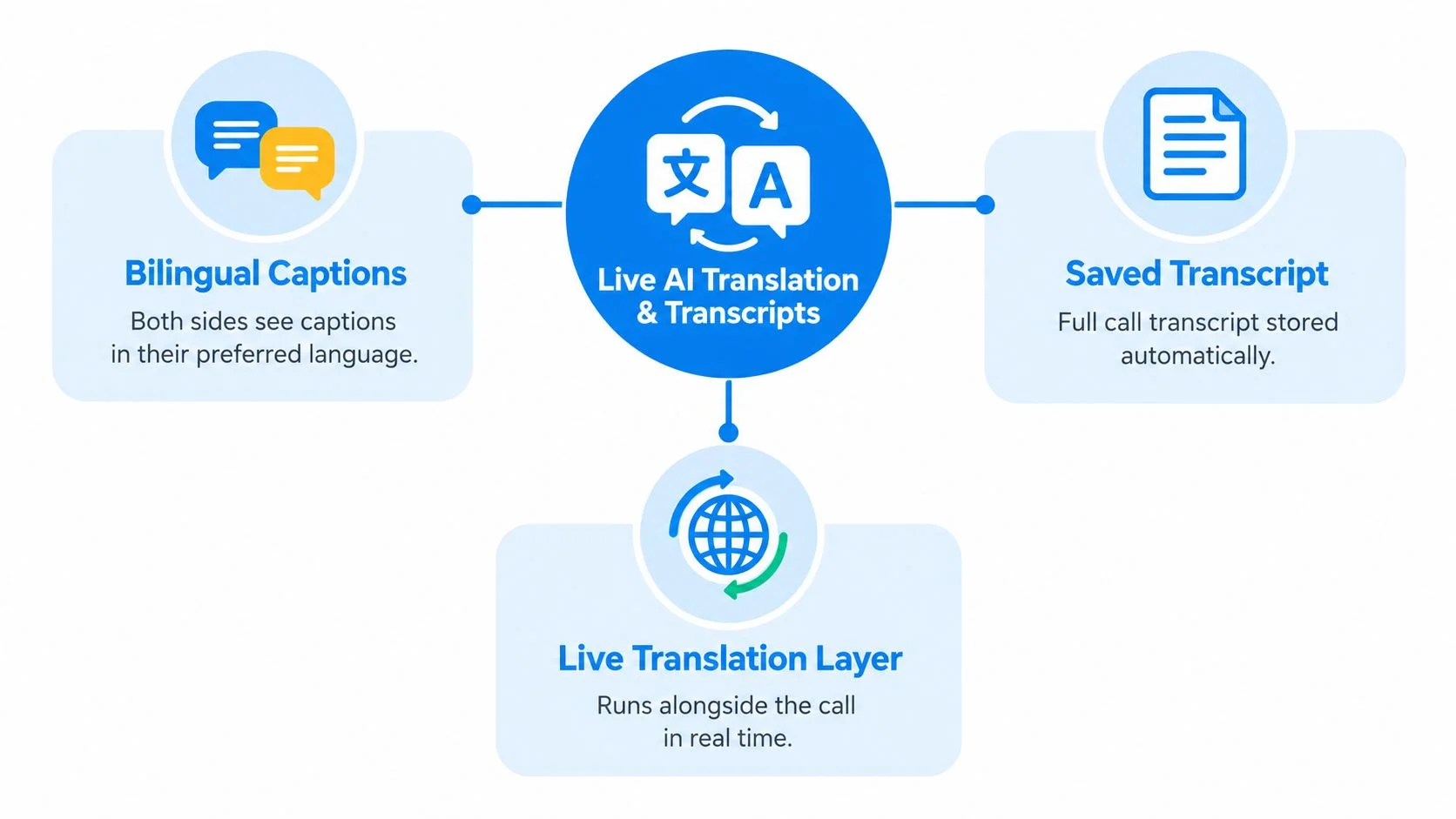
Before starting, choose the languages each participant prefers and check that translation is active. Captions can help people follow the conversation as they speak; the saved transcript gives you a record to review afterward. Because this feature adds a per-minute charge, it's worth checking its price alongside the calling rate before connecting.
When translation is useful
It can help when you're speaking one language with a relative who prefers another, discussing an order with a supplier, or joining a multilingual work call where a clear record matters. Teams that manage multilingual communications may also find a multilingual moderation guide useful for thinking about language support beyond a single conversation.
Skip the add-on for a quick call where both people already share a language, or when the person you're calling can't read captions. Translation is most useful when it helps both sides understand each other in real time or gives you a transcript you'll genuinely use.
What Breaks an International Call and How to Recover
Most failed international calls need a number-format check before an audio diagnosis. Recheck the originating network, destination country, number type, and normalized digits before redialing.
Common dialing mistakes include using the wrong international access code on a fixed line, leaving a domestic trunk zero after the country code, or omitting a required area or mobile prefix. From a U.S. or Canadian mobile, the FCC's Mexico example uses +52 followed by the complete 10-digit Mexican number. From a landline, it uses 011, then 52, then that same number. If the number doesn't connect, compare it with the destination's official format instead of repeatedly dialing the same sequence.
Quick Recovery Checklist for Failed International Calls
Emergency calls need a separate caution. Emergency numbers are generally handled under national rules, aren't normally dialed with an international country code, and may not work through international VoIP routes. Don't rely on a generic “+112” or “+911” rule; check the destination's official emergency authority. Calling emergency services while physically in a country, trying to reach that country's emergency center from overseas, and calling a local contact during an emergency are different situations. A browser calling service may not support emergency calls.
Also be careful with unexpected missed calls from unfamiliar international numbers. Don't call back just because the caller left a missed call or prompted you to return it. Verify the full number and destination, check the rate and number type, and avoid dialing if you can't establish who's calling. For more troubleshooting steps, see the guide to why calls fail.
Make Your First Call in a Browser
The reliable way to confirm a browser dialer works for you is to make a short test call before you need it for a business-critical conversation. You'll confirm the number format, microphone permission, internet connection, and audio on your own setup.
A browser dialer can reach a regular landline or mobile, so the recipient doesn't need to install anything or create an account. You can check published destination pricing before dialing, then use prepaid credit rather than signing up for a calling subscription. That access model is useful when the other person can't or won't use a shared app.
For a smooth first attempt, have the number in international format and check the displayed destination and rate. Allow microphone access, make the call, and listen for clear two-way audio. If it fails, use the recovery checklist rather than redialing unchanged.
Ready to call family abroad, a supplier, or a client? BubblyPhone works in any browser, reaches landlines and mobiles, and requires no app or account from the person you're calling. Credits start at $5 and never expire, so make a short test call and check how it works for you.