What Does *67 Do? The Complete Guide to Blocking Your Caller ID
Learn what *67 does, how to use it on iPhone, Android & landlines, when it doesn't work, and better alternatives. Updated for 2026 with carrier-specific instructions.
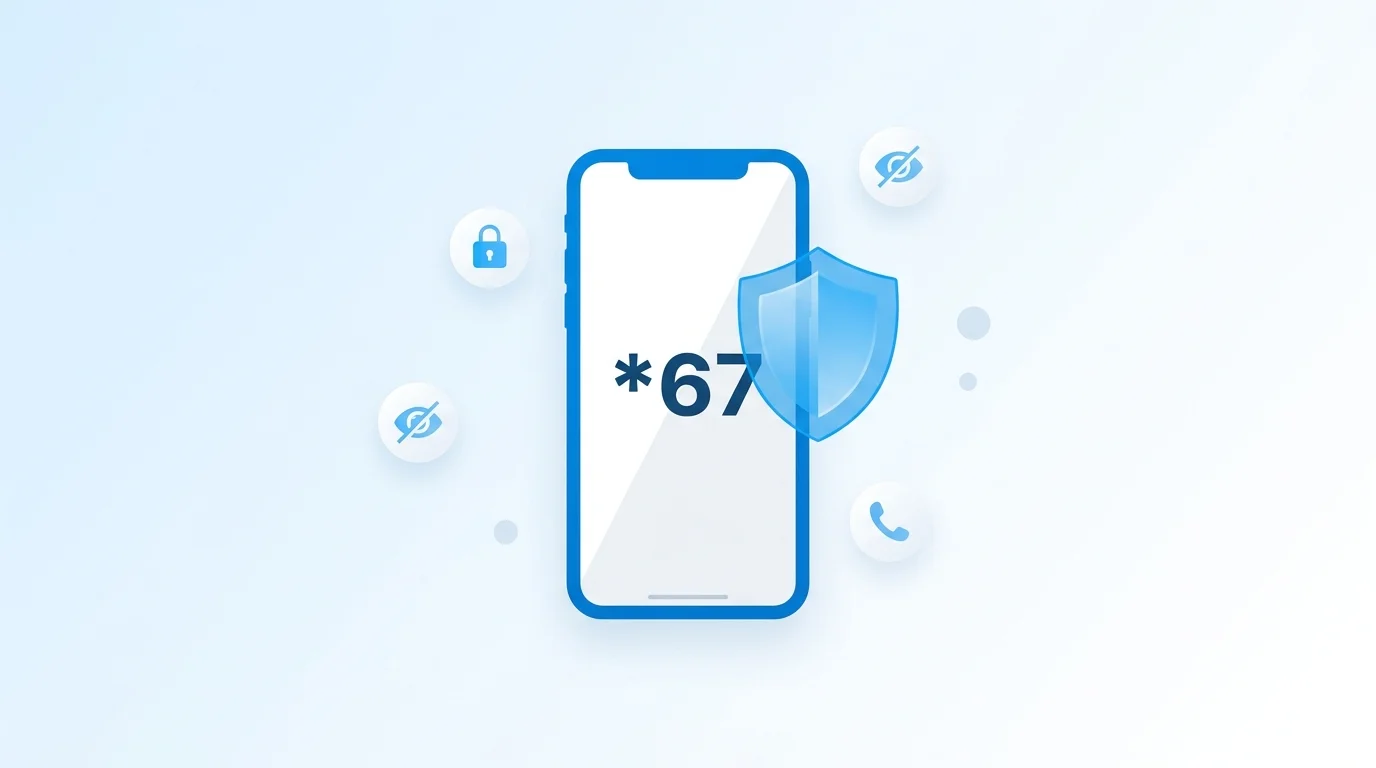
Quick Answer: What Does *67 Do?
*67 hides your phone number when you make a call. Dial *67 before the number, and the person you call sees "Private," "Blocked," or "Unknown" instead of your real number. It works on every call you use it — but only for that call.
How to use: *67 + area code + number
Example: *67 212 555 0100
Works on: iPhone, Android, Landline
Cost: Free on all carriers
Duration: Per-call only (not permanent)
What Does *67 Do?
*67 is a vertical service code that temporarily blocks your caller ID when you make a phone call. When you dial *67 before a phone number, your carrier strips your number from the outgoing caller ID data. The person on the other end sees "Private Number," "Blocked," or "Unknown Caller" on their screen instead of your actual phone number.
The code comes from the North American Numbering Plan (NANP), which governs phone systems across the US, Canada, and several Caribbean nations. Star codes (also called vertical service codes) have been part of the phone system since the 1960s, and *67 specifically has been available to consumers since the early 1990s when caller ID became widespread.
An important distinction: *67 provides privacy from the person you're calling, not anonymity from the phone network. Your carrier still records your real number in their call detail records. Law enforcement can access this information with a court order. And emergency services (911) always see your real number regardless of *67.
What the Recipient Sees
The exact label depends on the recipient's carrier and phone: "Private Number" (common on AT&T), "Blocked" (common on Verizon), "Unknown Caller" (common on T-Mobile), or "No Caller ID" (iPhone default label).
How to Use *67 — Step by Step
On iPhone
Open the Phone app
Tap the green Phone icon on your home screen and go to the Keypad tab.
Dial *67
Press * then 6 then 7 on the keypad.
Enter the full phone number
Type the 10-digit number including area code. Example: *67 212 555 0100
Tap the green call button
Your call connects normally, but the recipient sees "No Caller ID" or "Blocked" instead of your number.
On Android
Open the Phone app
Tap the Phone icon and switch to the dialer/keypad view.
Dial *67
Press * then 6 then 7 on the keypad.
Enter the full phone number
Type the 10-digit number including area code. Example: *67 312 555 0199
Tap the call button
The call goes through with your caller ID hidden. The recipient sees "Private" or "Blocked" on their screen.
On a Landline
Pick up the handset
Wait for a dial tone.
Dial *67
Press * then 6 then 7. You may hear a short confirmation tone or stutter dial tone.
Dial the full phone number
Enter the number with area code. The call connects with your caller ID blocked.
Quick Reference Format
*67 + area code + number
Example: *67 1 415 555 0123
Does *67 Still Work in 2026?
Yes, *67 still works in 2026.
It is confirmed working on all major US and Canadian carriers for both mobile phones and landlines.
Here is a carrier-by-carrier breakdown of *67 support and permanent blocking options:
| Carrier | *67 Works? | Permanent Block? | How to Block Permanently |
|---|---|---|---|
| AT&T | ✅ | ✅ | Dial *61 or call 611 |
| Verizon | ✅ | ✅ | My Verizon app or call *611 |
| T-Mobile | ✅ | ✅ | Dial #31# before number, or call 611 |
| US Cellular | ✅ | ✅ | Call customer service at 611 |
| Cricket | ✅ | ✅ | Call 1-800-274-2538 |
| Boost Mobile | ✅ | ✅ | My Boost app settings |
| Mint Mobile | ✅ | ✅ | Call 611 or use online account |
| Metro by T-Mobile | ✅ | ✅ | Call 611 for assistance |
| Google Fi | ✅ | ✅ | Fi app > Phone settings |
What About STIR/SHAKEN?
You may have heard about STIR/SHAKEN, the FCC mandate (effective June 2021) that requires carriers to authenticate caller ID to fight robocalls and number spoofing. The good news: *67 is not affected. STIR/SHAKEN targets spoofed numbers — calls where someone pretends to be a different number. *67 is a legitimate privacy feature that simply withholds your number. Carriers treat these differently, and *67 continues to work normally under STIR/SHAKEN.
When *67 Does NOT Work
*67 works in most situations, but there are important exceptions. If you dial *67 and the recipient still sees your number — or your call doesn't go through — it's likely one of these scenarios:
Toll-free numbers (800, 888, 877, 866, 855, 844, 833)
Toll-free subscribers pay for incoming calls and are entitled to see who is calling. *67 is ignored by the toll-free system.
911 and emergency services
By federal law, emergency services always receive your real phone number and location data, regardless of any caller ID blocking.
Recipients with *77 (Anonymous Call Rejection)
If someone has dialed *77 on their phone, all calls from blocked numbers are automatically rejected. Your call will not ring through.
Some business phone systems
Enterprise PBX systems and advanced business phones may use CNAM (Caller Name) databases that can sometimes identify blocked callers.
International calls
*67 is a North American feature (US and Canada only). It does not work when calling numbers outside these countries.
Some VoIP services
Not all Voice over IP providers support traditional star codes. Check your VoIP provider's caller ID settings instead.
Text messages (SMS/MMS)
*67 only works for voice calls. There is no star code to hide your number when sending text messages.
How to Block Your Caller ID Permanently (Without Dialing *67)
If you want your number hidden on every outgoing call without dialing *67 each time, you have three options. Note: if you set up permanent blocking, you can dial *82 before a number to temporarily unblock your caller ID for a single call.
iPhone: Disable Caller ID in Settings
Open the Settings app
Scroll down and tap Phone
Tap Show My Caller ID
Toggle the switch to OFF
Note: Some carriers (especially T-Mobile) may gray out this option. In that case, call 611 to request per-line blocking.
Android: Hide Number in Phone Settings
Open the Phone app
Tap the three-dot menu (top right) and select Settings
Tap Calls (or Calling accounts > your SIM)
Tap Additional settings > Caller ID
Select Hide number
The exact path varies by manufacturer (Samsung, Pixel, OnePlus). Look for "Caller ID" or "Additional settings" in your Phone app settings.
Contact Your Carrier for Per-Line Blocking
You can request permanent caller ID blocking directly from your carrier. This blocks your number at the network level — it works regardless of your phone model or settings.
AT&T
Dial *61 from your phone, or call 611
Verizon
My Verizon app > Account > Caller ID, or call *611
T-Mobile
Call 611 and request per-line blocking
Other carriers
Call 611 and ask for "per-line caller ID blocking"
*67 vs Other Star Codes
*67 is just one of several star codes (vertical service codes) available on US and Canadian phone networks. Here's how they compare:
| Code | What It Does | Direction | Duration |
|---|---|---|---|
| *67 | Block your caller ID | Outgoing | Per-call |
| *82 | Unblock your caller ID | Outgoing | Per-call |
| *69 | Call back the last incoming number | Incoming | One-time |
| *77 | Reject all anonymous/blocked calls | Incoming | Until *87 |
| *87 | Disable anonymous call rejection | Incoming | Permanent |
| *72 | Forward all calls to another number | Outgoing | Until *73 |
| *73 | Cancel call forwarding | Outgoing | One-time |
For more on call forwarding codes, see our complete guide to call forwarding codes.
Can a *67 Call Be Traced?
Yes, but not by the person you called. *67 hides your number from the recipient's caller ID display. However, your phone carrier always records the full details of every call you make, including:
- Your real phone number
- The number you called
- The date, time, and duration of the call
- Which cell tower you were connected to (for mobile calls)
Law enforcement can obtain this information through a court order or subpoena to your carrier. And 911 always sees your real number — this is a federal requirement that cannot be overridden by *67 or any other caller ID blocking method.
Bottom Line
*67 is a privacy tool, not an anonymity tool. It prevents the person you call from seeing your number. It does not make you invisible to the phone network, your carrier, or law enforcement.
Troubleshooting: *67 Not Working?
If you dialed *67 and the recipient still saw your number, or the call didn't connect, check these common causes:
You forgot the area code
Always dial the full 10-digit number after *67. Example: *67 312 555 0199 — not *67 555 0199.
You called a toll-free number
Numbers starting with 800, 888, 877, 866, 855, 844, or 833 always see your caller ID. *67 cannot override this.
The recipient has *77 (Anonymous Call Rejection) enabled
Your call is automatically rejected before it rings. Try calling with *82 instead (which unblocks your number for that call).
Your phone has permanent caller ID blocking turned on
If you already have per-line blocking through your carrier, adding *67 on top can sometimes cause issues. Try disabling the permanent block and using only *67.
You're using a VoIP service that doesn't support star codes
Some VoIP providers (like Vonage, Ooma, or internet-based calling apps) handle caller ID differently. Check your provider's settings for a caller ID toggle.
You're calling an international number
*67 only works within the US and Canada. For international call privacy, use your phone's built-in settings or a VoIP service with caller ID controls.
Related Guides
How to Make Anonymous Calls
All methods for hiding your number: *67, phone settings, carrier options, and second-number apps.
How to Hide Your Number When Calling
Permanent caller ID blocking on iPhone, Android, and every major US carrier.
Call Forwarding Codes
Complete guide to *72, *73, and carrier-specific call forwarding star codes.
Calling Without a SIM Card
Make calls using only WiFi — no phone number or SIM card needed.
Need More Privacy When Calling?
BubblyPhone lets you make calls from your browser without revealing your personal number. Call 200+ countries with crystal-clear HD audio — no app download required.
Try BubblyPhone Free