International Calling From Hotel Rooms: How to Avoid $50 Charges
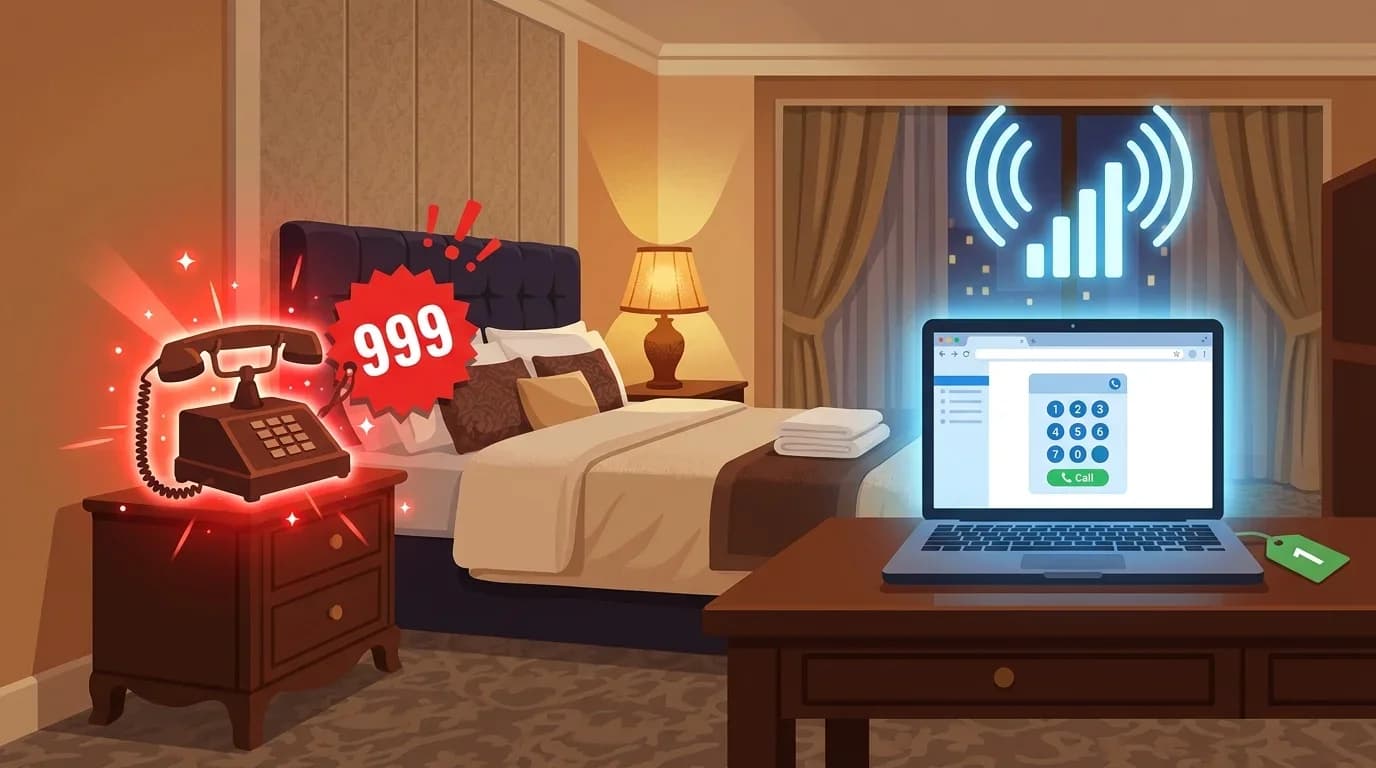
Table of Contents
- Why Hotel Phone Calls Are So Expensive
- The Solution: Use Hotel WiFi + VoIP
- Option 1: BubblyPhone (No App Needed)
- Option 2: WhatsApp/FaceTime (Free but Limited)
- Option 3: Your Carrier's WiFi Calling
- Hotel WiFi Tips for VoIP Calls
- What About Using Your Mobile Data Abroad?
- Emergency and Essential Calls From Hotels
- Local emergency services
- Calling your bank
- Calling airlines
- Hotel-Specific Workarounds
- Hotels that charge for WiFi
- Hotels with poor WiFi
- Summary
- Keep Reading
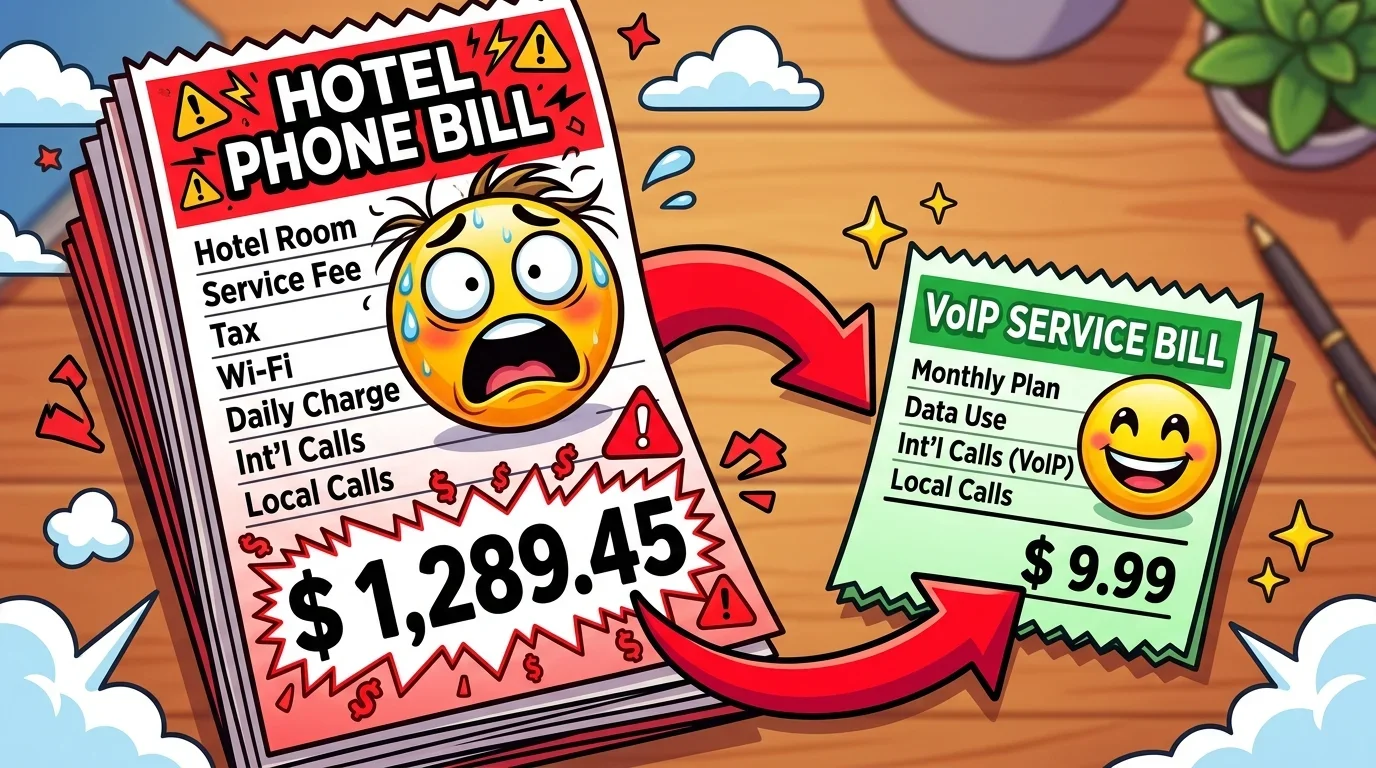
You are in a hotel room in Paris, Tokyo, or Dubai. You need to make a phone call home. You pick up the hotel phone, dial your number, talk for 10 minutes, and then find a $50-$150 charge on your bill at checkout. This happens to travellers every single day.
Hotels mark up international calls by 500-2000%. A call that costs $0.02/min through VoIP might cost $5-$15/min through the hotel phone. This guide shows you how to make the same calls for almost nothing using hotel WiFi.
Why Hotel Phone Calls Are So Expensive
Hotels treat phone calls as a profit centre, similar to the minibar. Here is what typical hotels charge:
Some hotels also charge a "connection fee" of $1-$5 just for picking up the phone, even if the call does not connect.
The Solution: Use Hotel WiFi + VoIP
Nearly every hotel in 2026 offers WiFi — many include it free. Here is how to make international calls for pennies:
Option 1: BubblyPhone (No App Needed)
- Connect to hotel WiFi on your laptop or phone
- Open your browser and go to BubblyPhone

- Enter the phone number with country code
- Call — costs $0.01-$0.15/min depending on destination
Why this is the best hotel option: No app to download. Works on any device with a browser. You can use the hotel's business centre computer if you forgot your laptop. No account setup needed beyond an email.
Option 2: WhatsApp/FaceTime (Free but Limited)
- Connect to hotel WiFi
- Open WhatsApp, FaceTime, or similar app
- Call the person (must also have the app)
Limitation: Only works if the other person has the same app and internet. Cannot call landlines, businesses, or anyone without the app.
Option 3: Your Carrier's WiFi Calling
- Enable WiFi Calling in your phone settings
- Connect to hotel WiFi
- Dial normally — calls route through WiFi instead of cellular
Warning: WiFi calling uses your carrier's international rates, which may still be expensive ($0.49-$3.00/min). It just avoids roaming charges — not international rates.
Hotel WiFi Tips for VoIP Calls
- Test quality first: Make a 1-minute test call before a long conversation. Hotel WiFi quality varies wildly.
- Use 5GHz if available: Many hotels offer both 2.4GHz and 5GHz networks. The 5GHz band has less interference and better call quality.
- Avoid peak hours: Hotel WiFi slows down when guests are streaming (evenings). Call in the morning for best quality.
- Wired connection: If your room has an Ethernet port, a wired connection gives the best VoIP quality. Bring a USB-C to Ethernet adapter.
- VPN may help: Some hotels throttle VoIP traffic. A VPN can bypass this throttling.
What About Using Your Mobile Data Abroad?
You could skip hotel WiFi entirely and use mobile data with an eSIM or international data plan. Here is how they compare:
Emergency and Essential Calls From Hotels
Local emergency services
Always use the hotel phone for local emergencies — it is the most reliable. Emergency numbers: 911 (US), 999/112 (UK/EU), 110/119 (Japan).
Calling your bank
If your credit card is blocked while abroad, use BubblyPhone to call your bank's US number. Most bank toll-free numbers (1-800) do not work from international hotel phones, but you can call the direct line via VoIP.
Calling airlines
Same approach — call the airline's direct number (not the toll-free) via BubblyPhone on hotel WiFi.
Hotel-Specific Workarounds
Hotels that charge for WiFi
Some luxury hotels charge $15-$30/day for WiFi. Even at that price, using WiFi + VoIP for international calls is still 10-100x cheaper than the hotel phone. The WiFi cost pays for itself with a single 5-minute call.
Hotels with poor WiFi
If hotel WiFi is too slow for VoIP, try the lobby (usually better WiFi), a nearby café, or switch to mobile data with an eSIM.
Summary
Never use the hotel phone for international calls. Connect to WiFi, open BubblyPhone in your browser, and call for $0.01-$0.15/min. A 30-minute call that would cost $150 through the hotel phone costs under $5 through VoIP. This one trick can save you hundreds of dollars per trip.